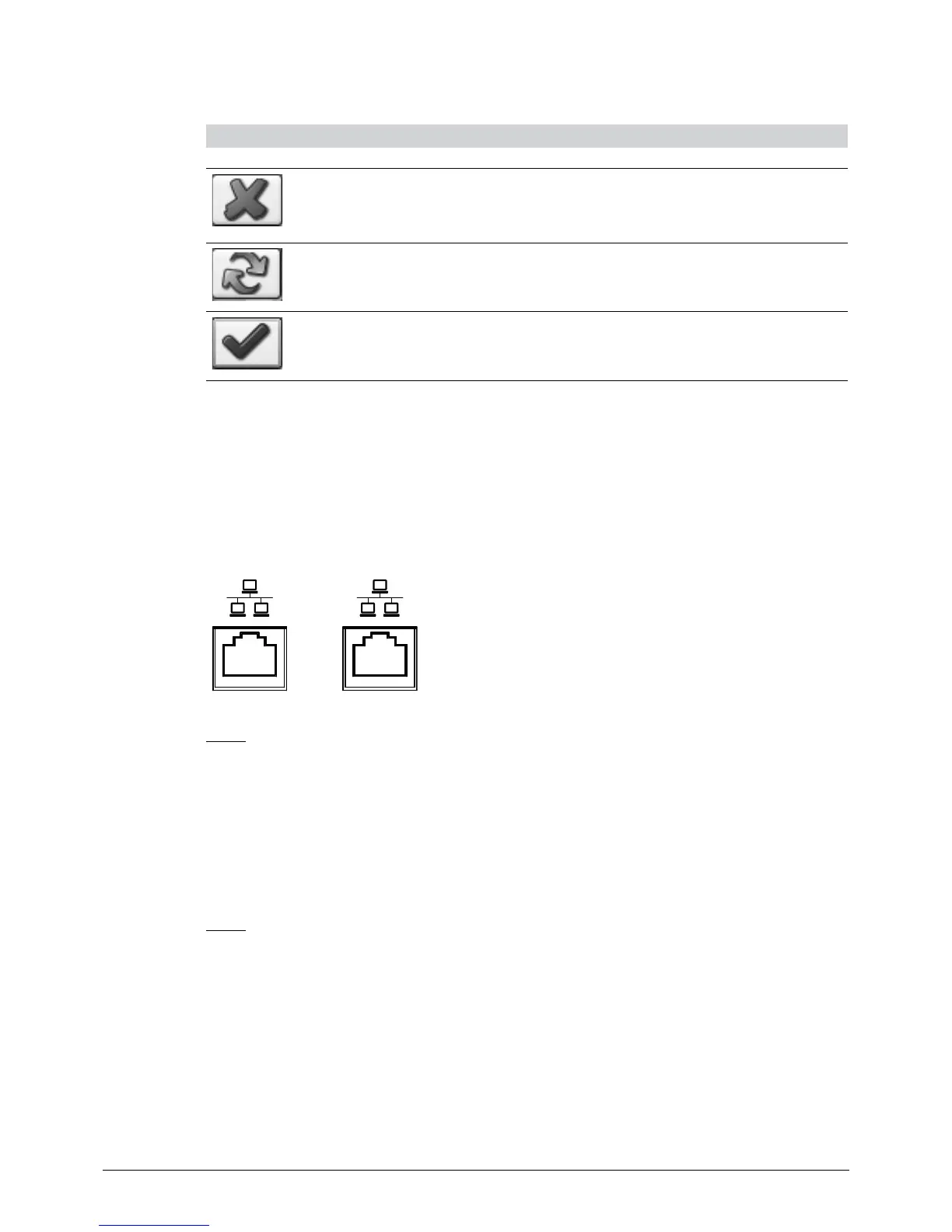
Buttons ‘External Reference Deviation’
Button Functionality
‘Exit’
‘Rerun’
‘Checkmark’
NOTE
After lamp-module exchange, a reference spectrum should be generated to match the individual light
intensity output of the module. In all other cases, perform consequent trouble shooting (run SST)
before setting a new reference spectrum!
8.4 Connection to a local network
The embedded PC is equipped with two Ethernet (LAN) sockets.
2 1
LAN 2
The secondary network connector (LAN2) can be used to connect the NIRMaster to a local Ethernet
network.
By default, LAN 2 is configured to obtain an IP address automatically (via DHCP). A customer specific
static IP-address and subnet mask for LAN 2 can be configured if required by a local network admin-
istrator with administrative rights on the NIRMaster.
LAN 1
The primary network connector (LAN1) is predefined for internal communication with the spectrom-
eter hardware.
Standard configuration of LAN 1:
• Static IP-address 192.168.1.2
• Subnet mask 255.255.255.0
Standard configuration of the Spectrometer:
• Static IP-address 192.168.1.1
• Subnet mask 255.255.255.0
NOTE
Do NOT change the settings between the embedded PC and spectrometer!














 To Next Page