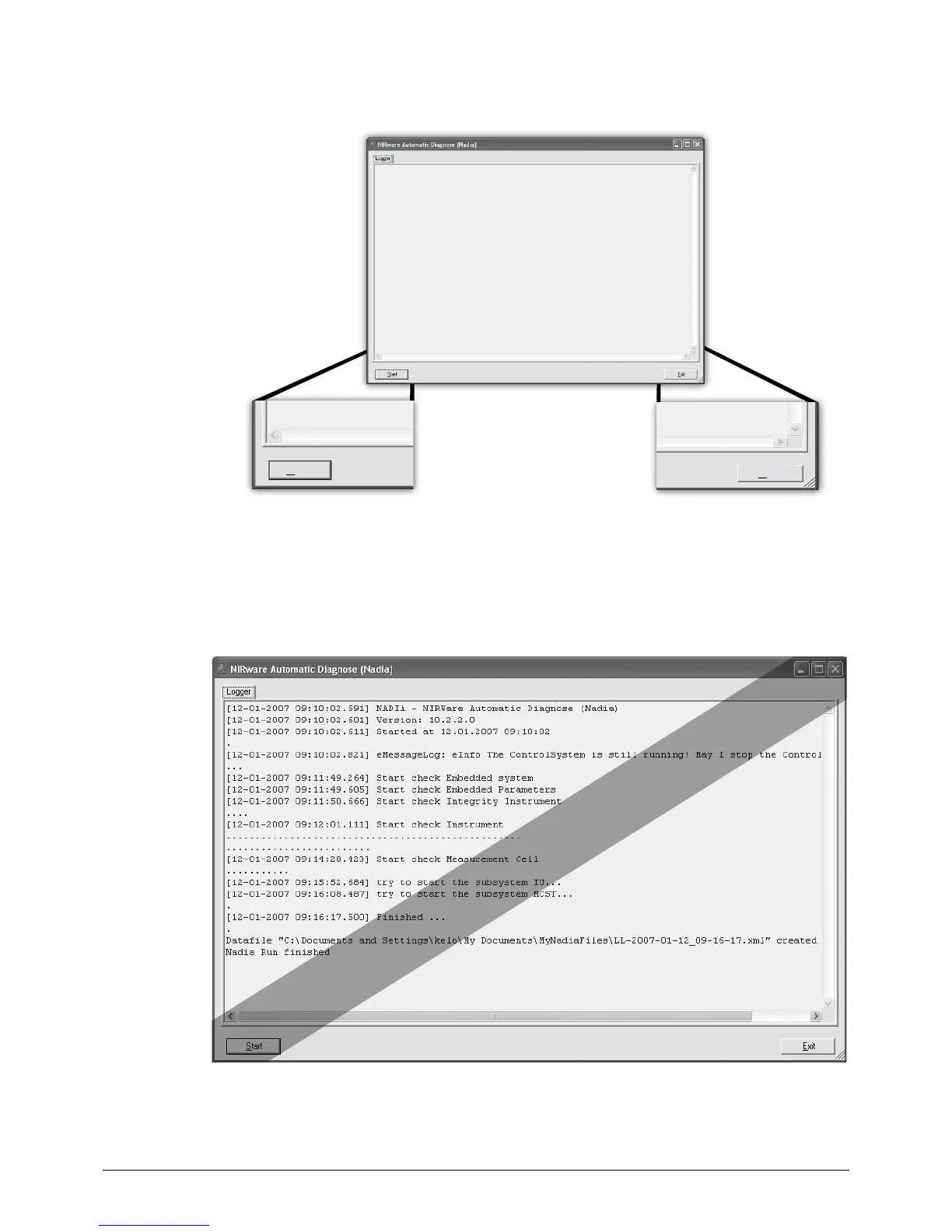
Start
Exit
After diagnostic check, basic information about the software version, timestamp and the performed
tests are reported. The test result can be found at the “Datafile” location as displayed (last entry of the
program window) in an *.xml file. The actual location may vary according to local settings. For problem
evaluation, send this file to the local Buchi representative.
For example:
“C:\Documents and Settings\username\My Documents\MyNadiaFiles\11-2007-01-12_09-16-17.xml”
Example














 To Next Page