06/23
21
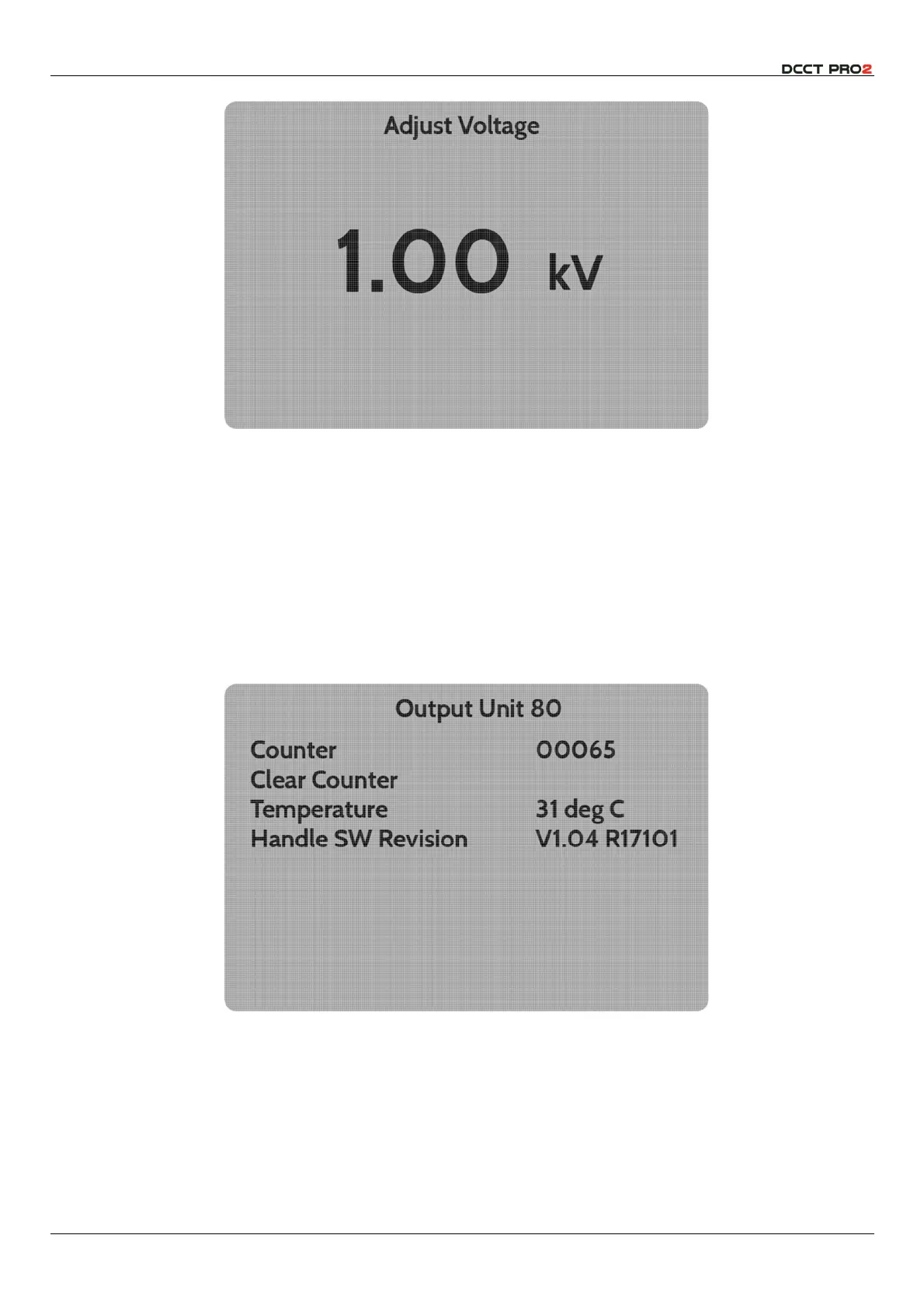
Fig 20 – Parameter Adjustment (Voltage, Alarm Threshold, Alarm Timings)
Once the required parameter has been selected, use of the
d
and
e
buttons will increment or
decrement the value as required. Holding the button will scroll the value rapidly after a short delay.
The same process is used to adjust the
Alarm Current Threshold
, and the timing parameters accessible
through the
Fault Report Menu
.
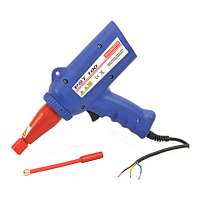
Selection of an output unit window will open a specific menu, which allows the inspection of the fault
counter for that output unit, and for this to be cleared, the output unit temperature is reported (there is
an automatic safety shut down feature in case of overtemperature at 70
°
C) and the
Output Unit
Software Revision
level.
Fig 21 – Output Unit Sub Menu



 To Next Page