Instruction Manual
22
06/23
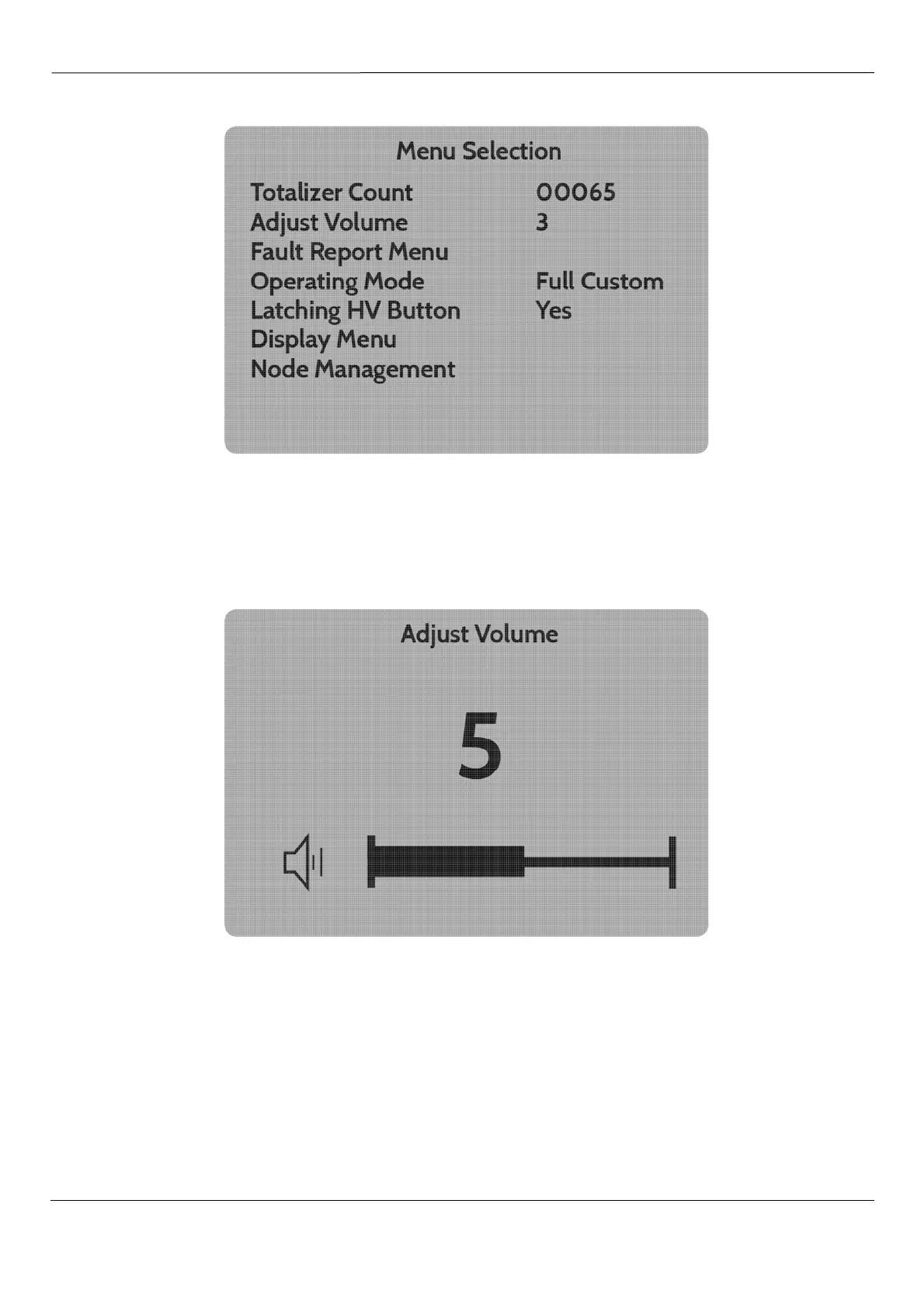
Entering the
Main Menu
provides the screen shown below:
Fig 22 – Main Menu Screen
As noted above the buttons labelled
d
and
e
are used to scroll up and down the menus, and the
b
is also used to select a menu option. Selection of the Totaliser Count and
b
followed by
c
will clear
the count.
The internal alarm volume can be controlled using the
Adjust Volume
function.
Fig 23 – Adjust Screen (Volume, Brightness, Contrast)
Use of the
d
and
e
buttons permit the value to be adjusted from 0 to 10. Press
b
to save the
selected value. The Brightness and Contrast functions which may be found within the Display Menu are
identical.



 To Next Page