Instruction Manual
24
06/23
This menu also provides access to the
Manager Lock
function. If desired, the settings for all parameters
on all menus except the
Display Menu
can be locked with a 6-digit passcode. Care should be taken
not to forget the code, as it can only be reset by taking the instrument to an approved Dealer or
Distributor, or returning it to Buckleys – this is likely to be inconvenient!
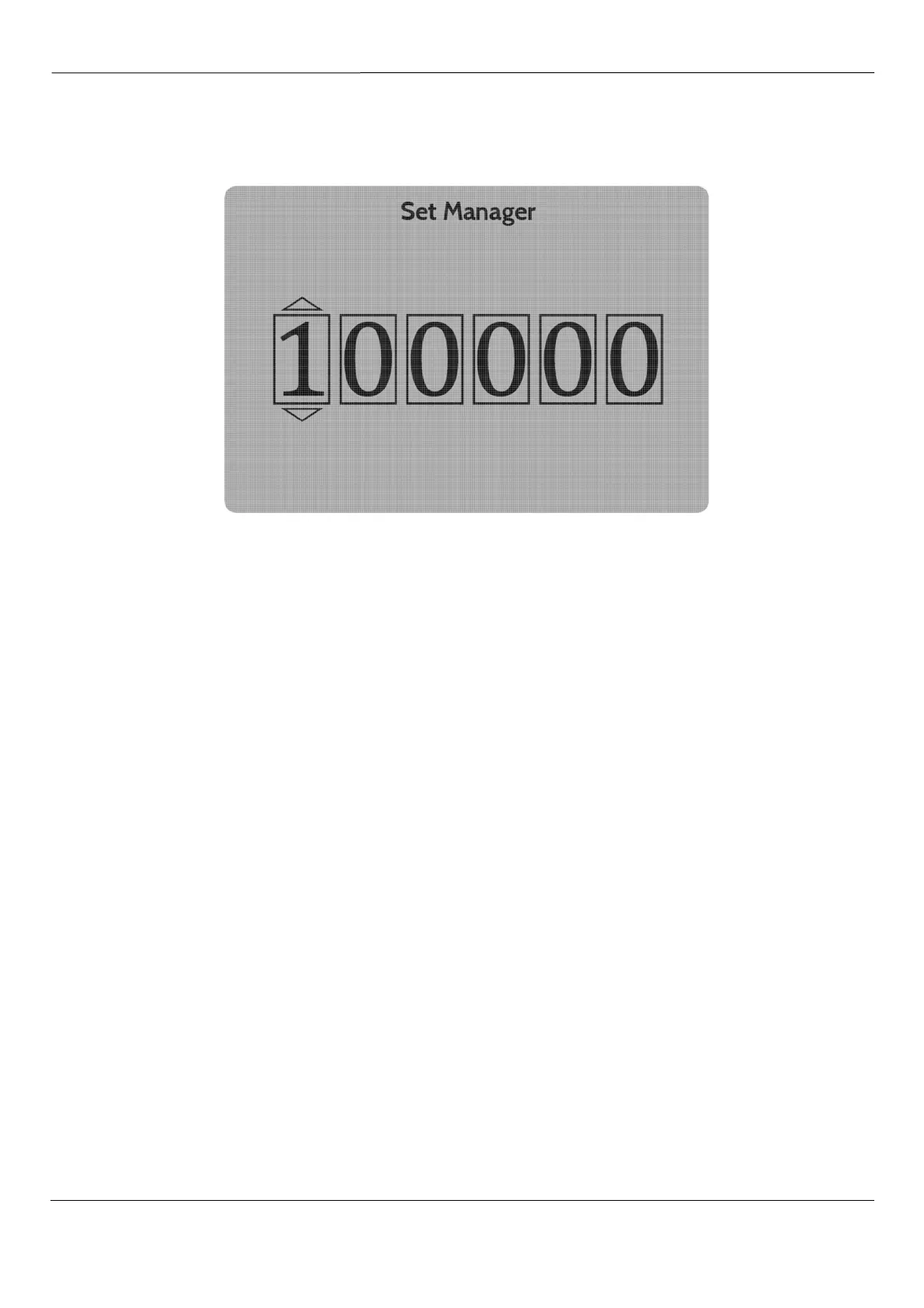
Fig 26– Passcode Entry (Set/Clear Manager Passcode)
If a
Manager Passcode
has not been set, the
Access Level
will be
User
. If a
Passcode
has been set, the
Access Level will be
Manager
. This may be cleared by re-entering the same
Passcode
. The passcode is
cleared from memory when the Manager Lock is re-entered, and the same, or a new passcode can be
used as desired.
Press the
d
and
e
buttons are to select a digit for the first box, and press the
b
to save the selected
value and move to the next box. If required press
c
to clear the current box and return to the previous
one. When the code is complete, press
b
to confirm entry.
Unlimited attempts may be made to enter the Passcode to unlock the instrument.
Unlock Dealer
is restricted to registered dealers and distributors.
Node Management
opens the final menu, which will only be required if a network of DCCT output units
is being constructed. This allows the user to populate the Output Unit windows in the Home Screen, and
to ensure that each window corresponds to the desired output unit and thus electrode.
Each Output Unit must be assigned a logical address by the User Interface. These logical addresses are
termed
nodes
, and their numbering begins at 80.



 To Next Page