Additional programming options
8
Logamatic 4321/4322 - Technical specifications are subject to change without prior notice.
54
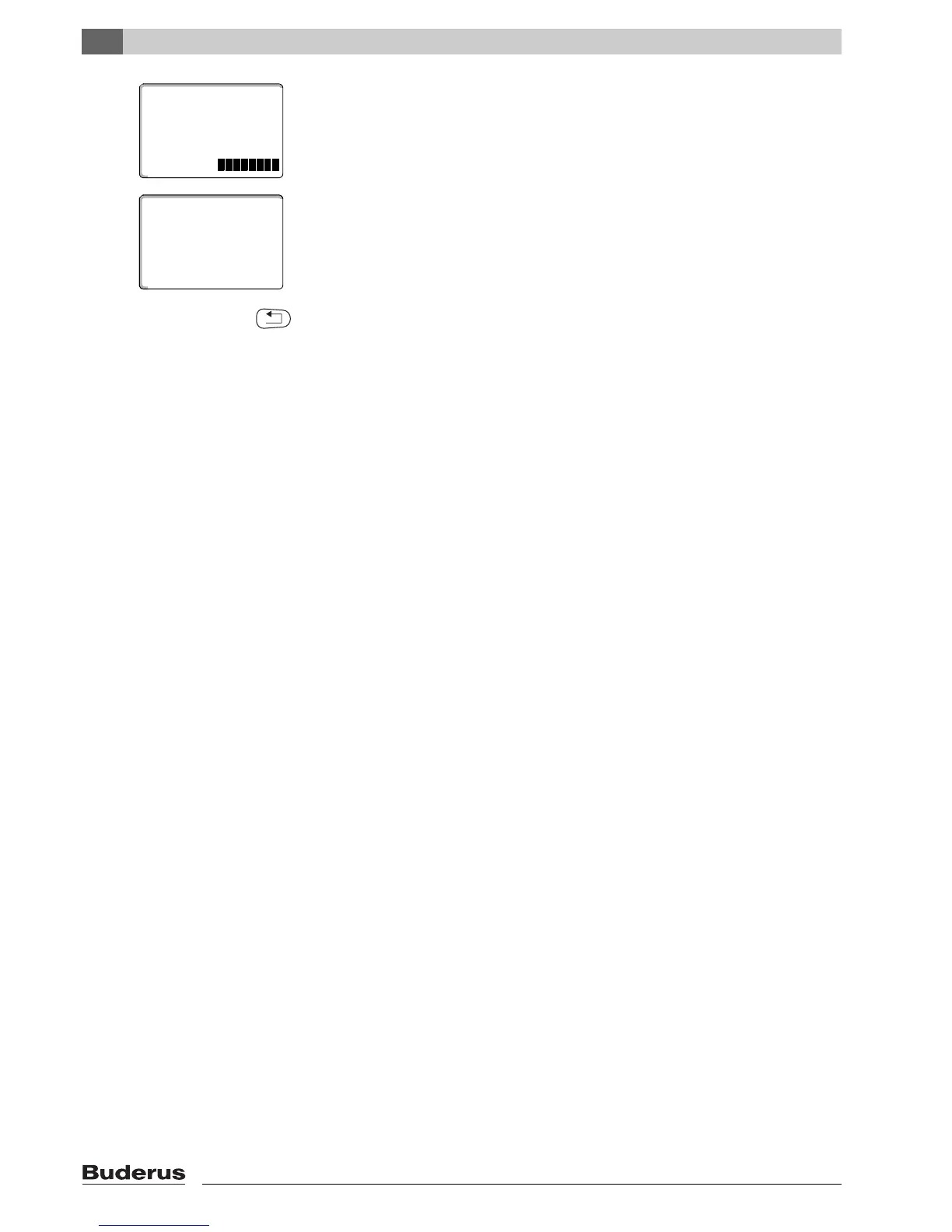
The bottom line shows eight blocks that are deleted in one-second intervals from
left to right. When all blocks have disappeared, the set point is deleted.
If the buttons are released the delete process is canceled.
Simultaneously release "Vacation" and "Display" to save your input.
The display shows the next set point.
The new program that has been modified by the deletion is saved under "custom
program" and the relevant heating zone number (here: "2").
You can call up your new program by pressing "PROG" and turning the dial
(Æ
Chapter 7.10).
Press "Back" to return to the permanent display.
family program
Monday
10:00pm
delete
custom program 2
21 °
at 5:00 pm
Monday
custom program 2
Monday
70°F
at 05:00pm



 To Next Page