- 18 -
Chapter 3 Installation
13
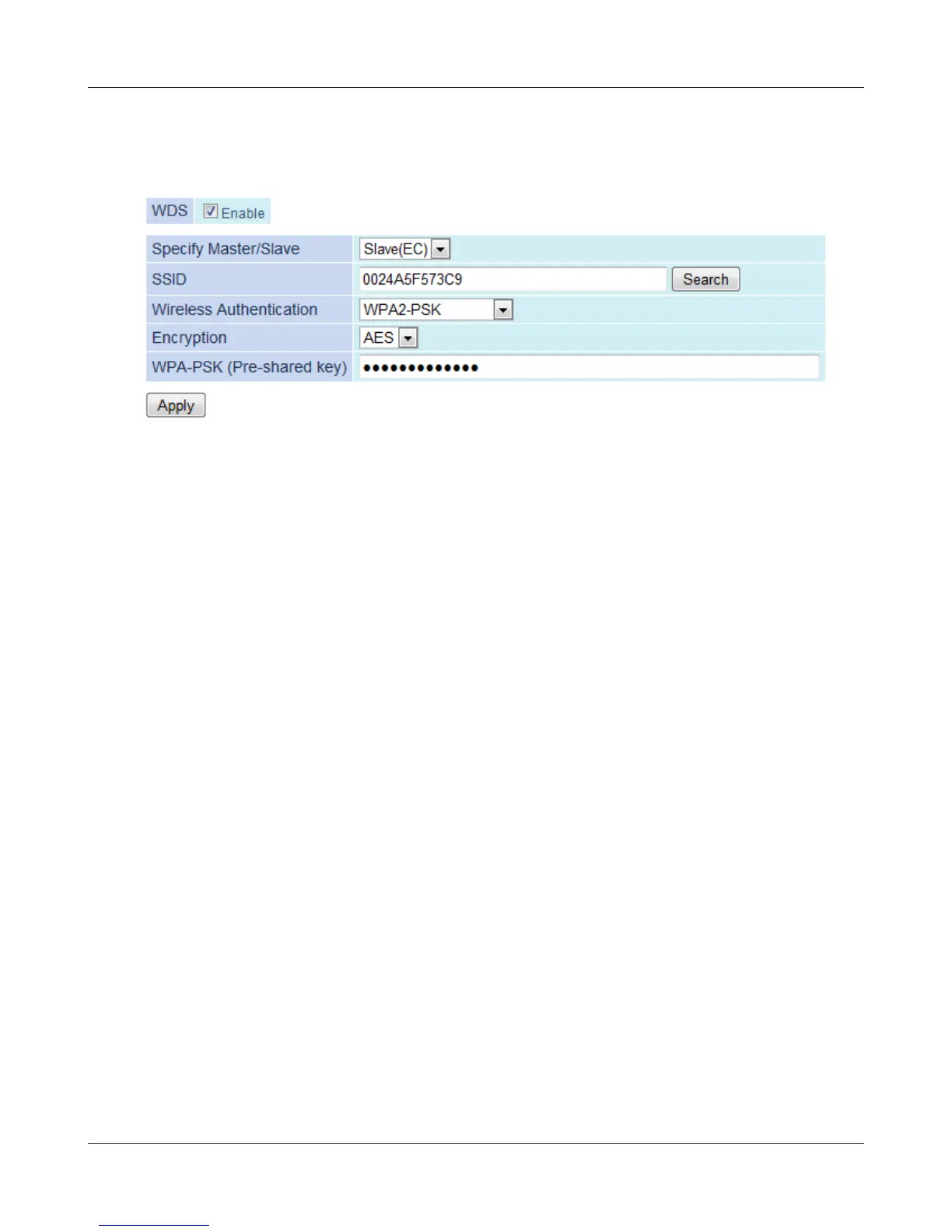
Enter the encryption settings and password (“key”) for the access point you are connecting
to, then click [Apply].
14
15
Change your computer’s IP address settings back to their former values.
ex) IP Address Obtain an IP address automatically
DNS server Obtain DNS server address automatically
Note: If using the AirStation as a repeater, unplug the LAN cable from your computer. You’re now con-
nected to the AirStation wirelessly.
Launch a web browser. If your home page is displayed, setup is complete.


 To Next Page
 Loading...








