Chapter 5 Connect to a Wireless Network
- 85 -
3
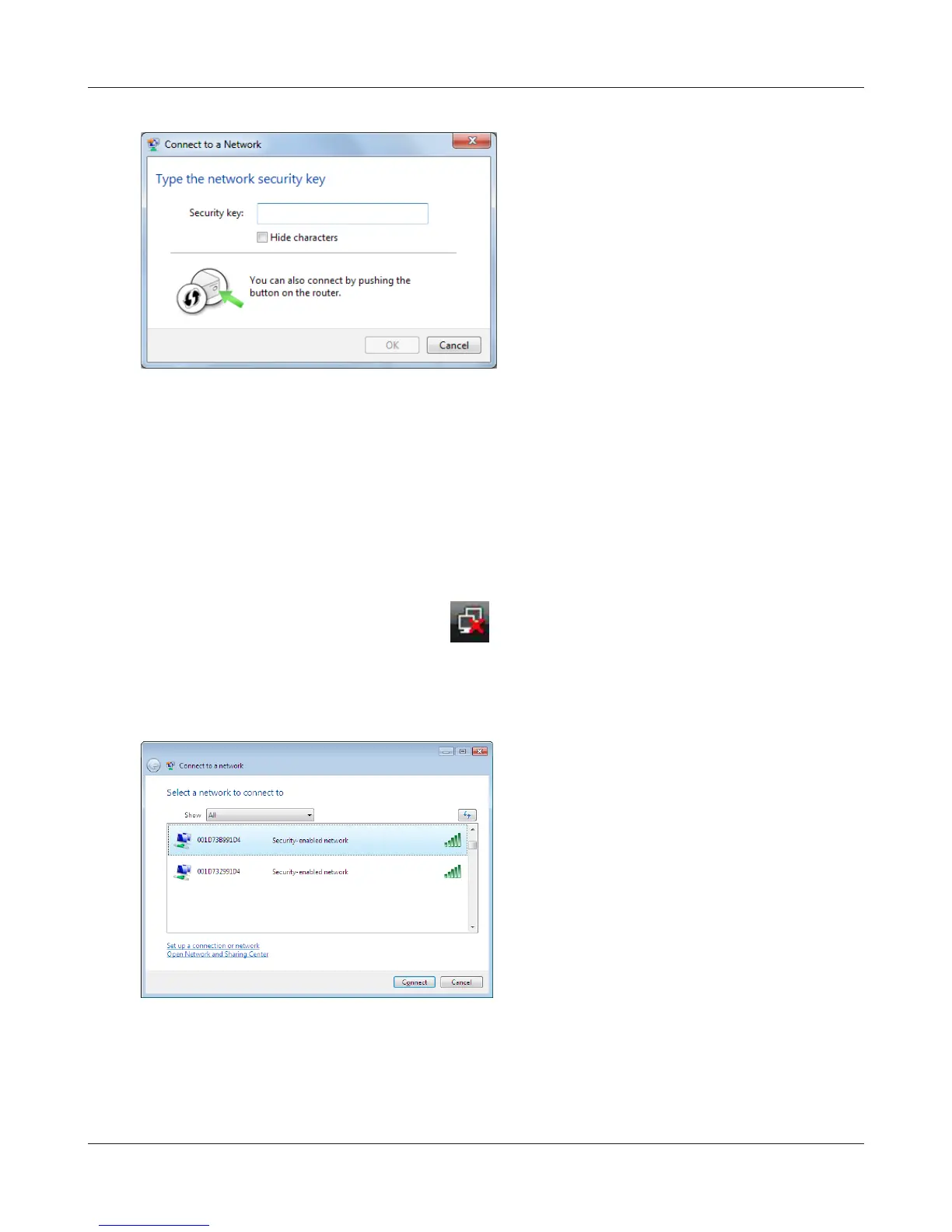
Enter the encryption key and click [OK].
1
Right click on the wireless network icon in the system tray
.
2
Click [Connect to a network].
When the screen at left is displayed, select the
network to connect to and click [Connect].
3
Windows Vista (WLAN AutoCong)
With Windows Vista, use WLAN AutoCong to connect to the AirStation.



 To Next Page
 Loading...







