- 82 -
Chapter 5 Connect to a Wireless Network
2
Windows XP (Client Manager 3)
If you are using Windows XP, use Client Manager 3 to connect wirelessly with AOSS/WPS.
1
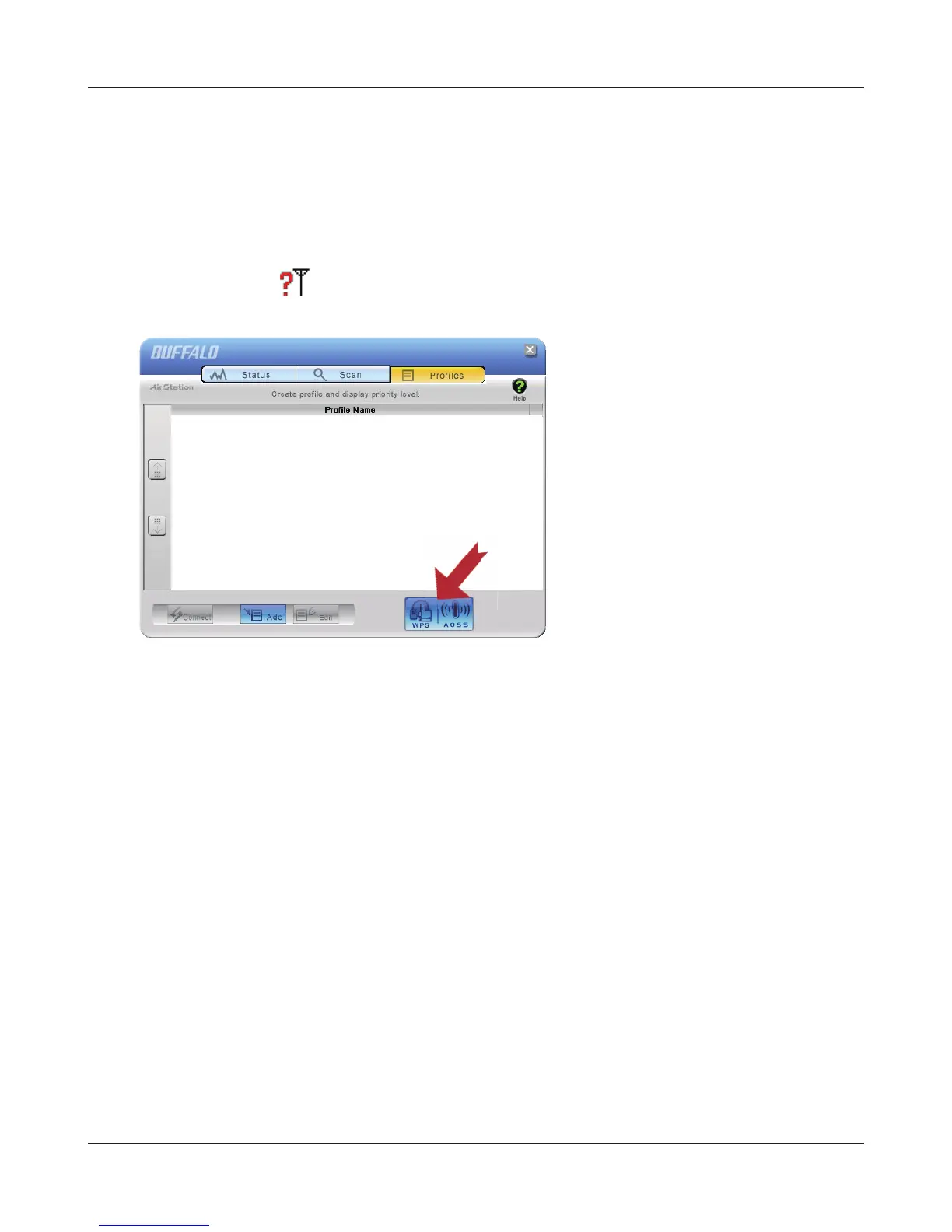
Right click on the icon in the system tray, and select [Pro le].
Click the [WPS AOSS] button.
Follow any instructions displayed on the screen. When the Security LED on the front of the AirStation
stops ashing and is lit steadily, the connection is complete.



 To Next Page
 Loading...







