ÐÏ×ÅÒ
ÓÅÃÕÒÉÔÙ
×ÅÉÒÅÌÅÓÓ
ÒÏÕÔÅÒ
ÄÉÁÇ
őŖŔʼn
őŖŔʼn
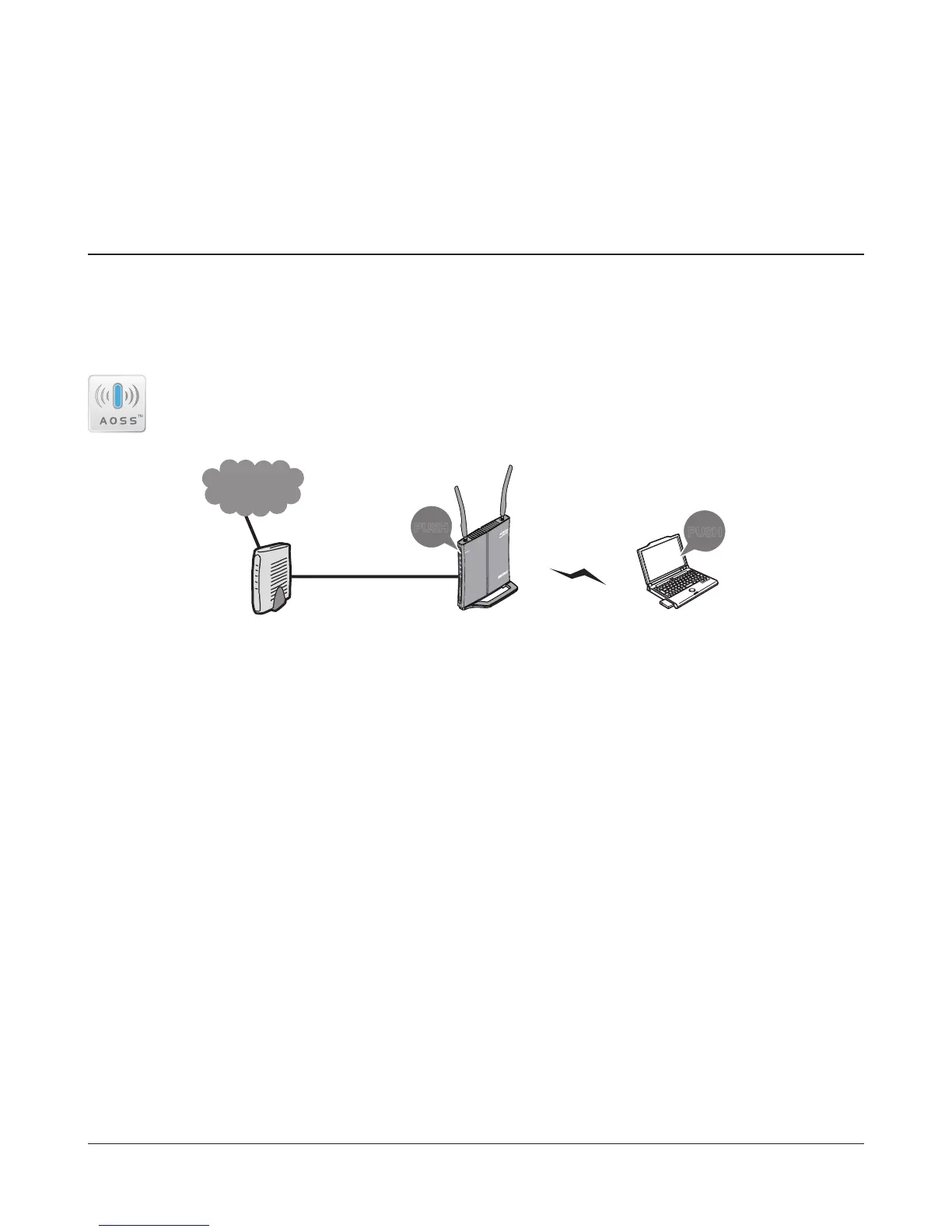
Modem
Internet
AirStation PC or
Game console
(AOSS Devices)
- 80 -
Chapter 5 - Connect to a Wireless Network
Automatic Secure Setup (AOSS/WPS)
AOSS and WPS are systems which enable you to automatically congure wireless LAN settings. Just
pressing the buttons will connect wireless devices and complete security settings. Easily connect to
any wireless devices, computers, or game machines which support AOSS or WPS.
AOSS (AirStation One-Touch Secure System) was developed by Bualo Technology. WPS
was created by the Wi-Fi Alliance.
• Before using AOSS or WPS to connect to a Bualo wireless client, install Client Manager software
from the included utility CD. Consult your wireless client’s documentation for more information.
• Bualo’s Client Manager software can be used with the wireless LAN devices built into your
computer. However, it is not guaranteed to work with all wireless LAN devices available. Some
wireless clients may require manual setup.



 To Next Page
 Loading...







