Chapter 4 Conguration
- 73 -
Update
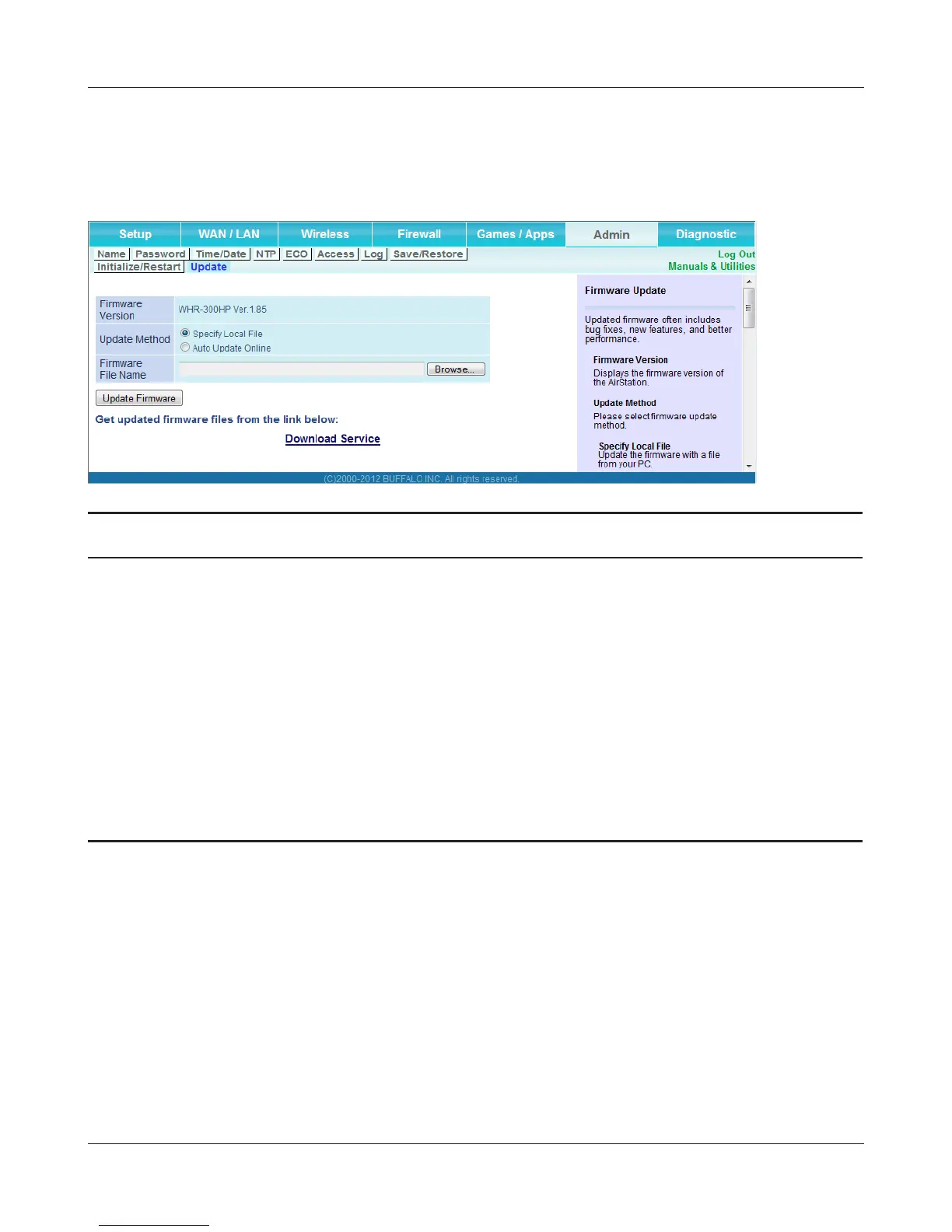
Update the AirStation’s rmware.
Parameter Meaning
Firmware Version Displays the current rmware version of the AirStation.
Update Method Specify Local File
Updates from a rmware le stored on your computer.
Auto Update Online
Automatically updates to the latest rmware available.
Firmware File Name Click [Browse...] to navigate to the rmware le on your computer
if [Specify Local File] was selected. You don’t need to specify the
rmware location if you’re using [Auto Update Online]. Click
[Update Firmware] to update the rmware.



 To Next Page
 Loading...







