- 30 -
Chapter 4 Conguration
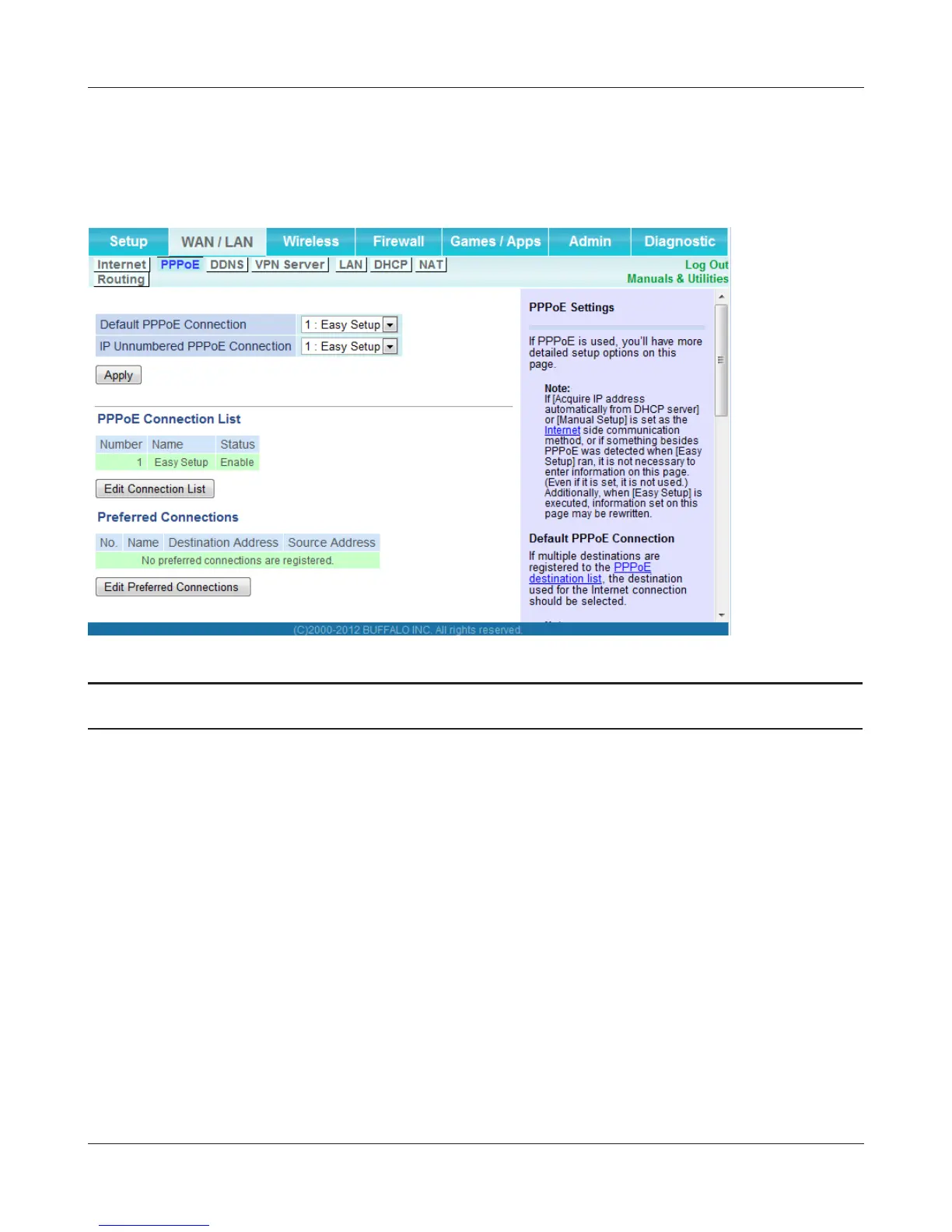
PPPoE
The screen to congure PPPoE settings.
Parameter Meaning
Default PPPoE Connection If you have registered multiple connection destinations in
PPPoE Connection List, connection destinations selected here
have priority. You need to congure the route to which PPPoE is
connected to if you don’t use the default setting.
IP Unnumbered PPPoE Connection Select the destination from the PPPoE Connection List which is
used when specifying [Use IP Unnumbered] in Method of Acquiring
IP Address (page 29).
PPPoE Connection List Edit PPPoE destination. You can register up to 5 sessions.
Edit Connection List Click this button to display the screen to edit the settings of
destination.


 To Next Page
 Loading...








