10
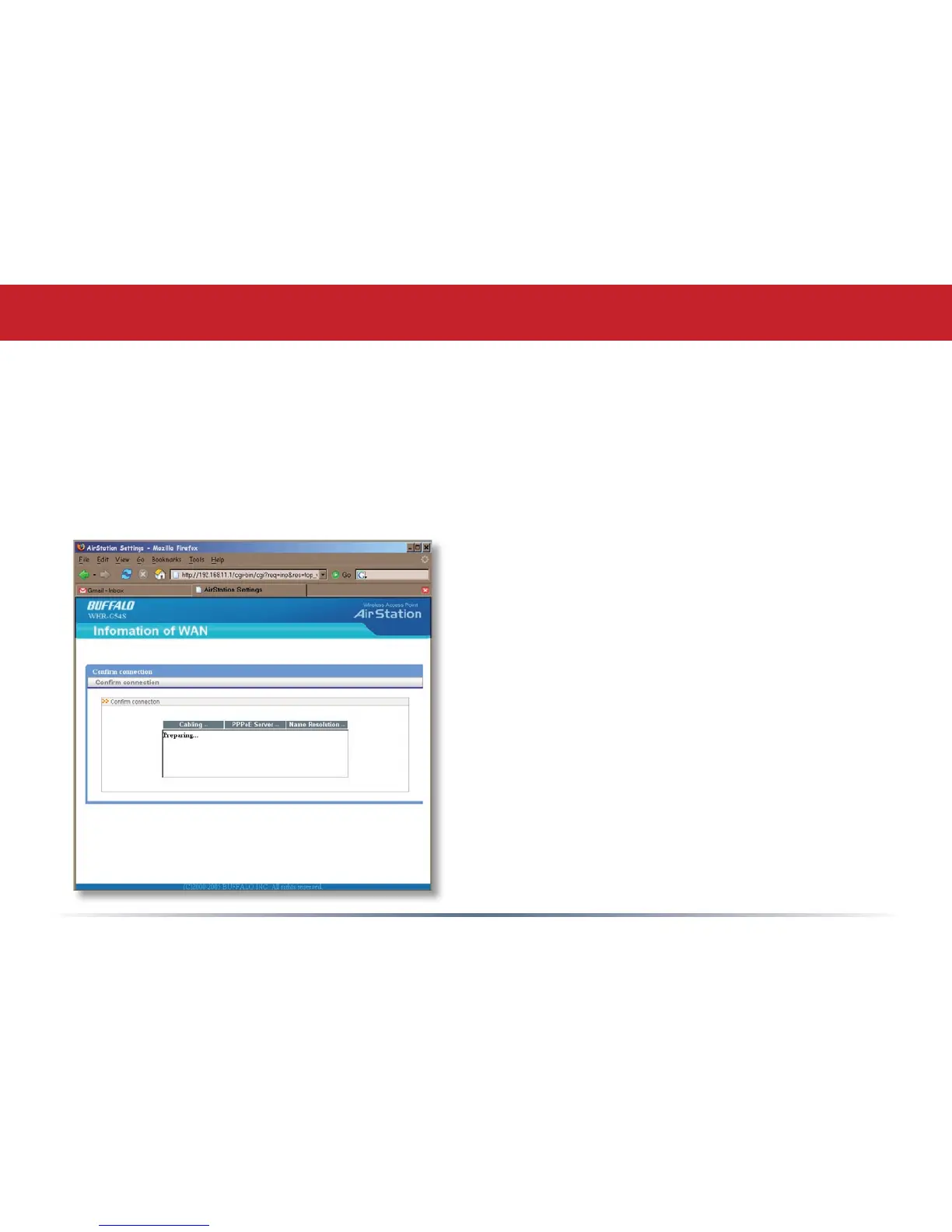
Your AirStation’s SmartRouter technology will determine the type of internet
connection you have automatically, and ask you for any needed information. If
your ISP assigns IPs automatically (most cable providers do), their DHCP server
will give your router an IP address. If additional login information is required
to connect to the internet, the wizard will ask for it. Enter any required login
Detecting Your Broadband Connection
information if asked. Contact your DSL
provider for any missing login information.
If your DSL provider requires that PPPoE
information be entered manually, see page
25.


 To Next Page
 Loading...











