9
Launch a web browser on the computer that you’re
going to use to congure the AirStation.
Enter 192.168.11.1 into the URL eld. Naturally, if you
change your AirStation’s IP address, you’ll have to enter
the new address instead.
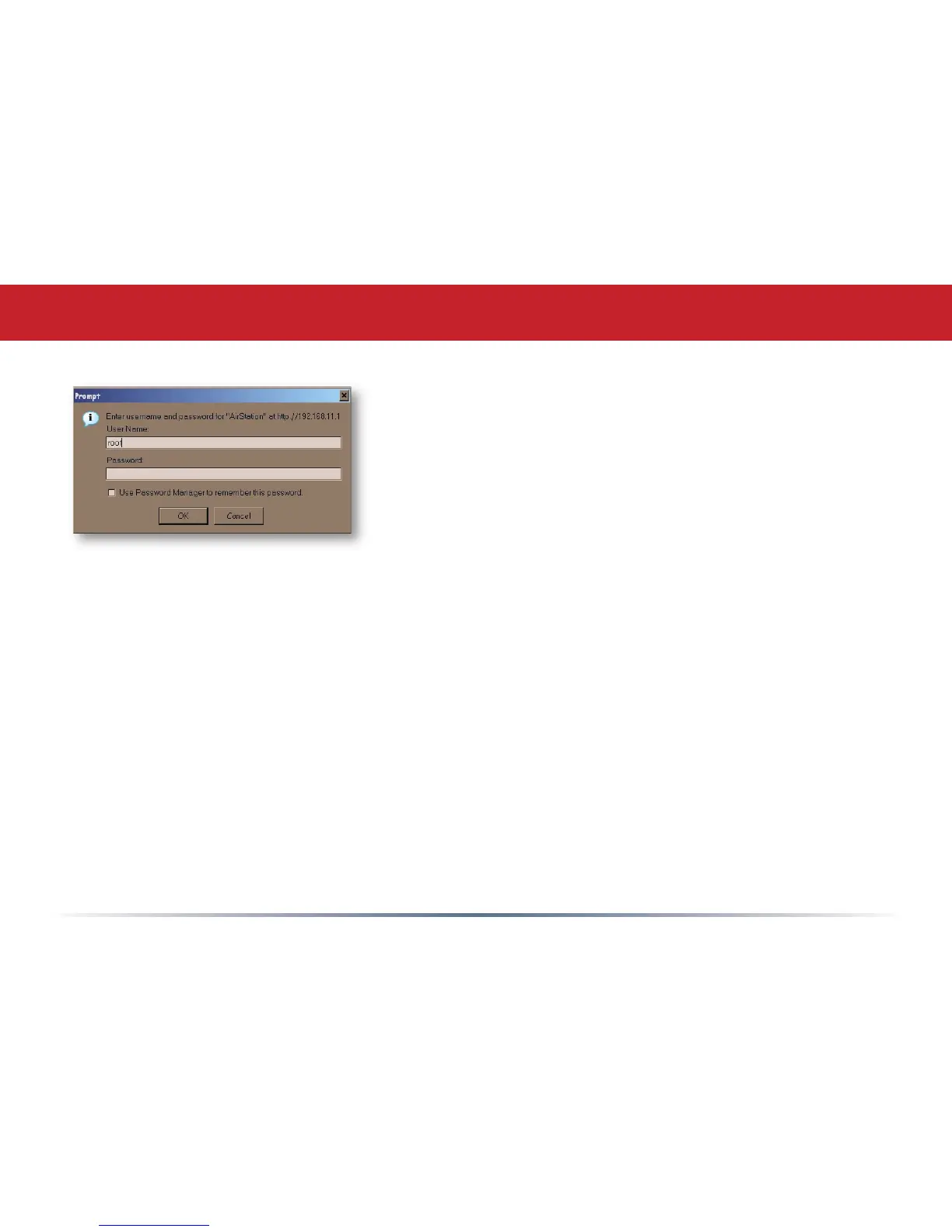
A window will open, prompting you to enter a User ID
and Password.
Enter root as the User name and leave the password
eld blank.
Log in to the Configuration Tool


 To Next Page
 Loading...











