14
Using Your CloudStation
Uploading
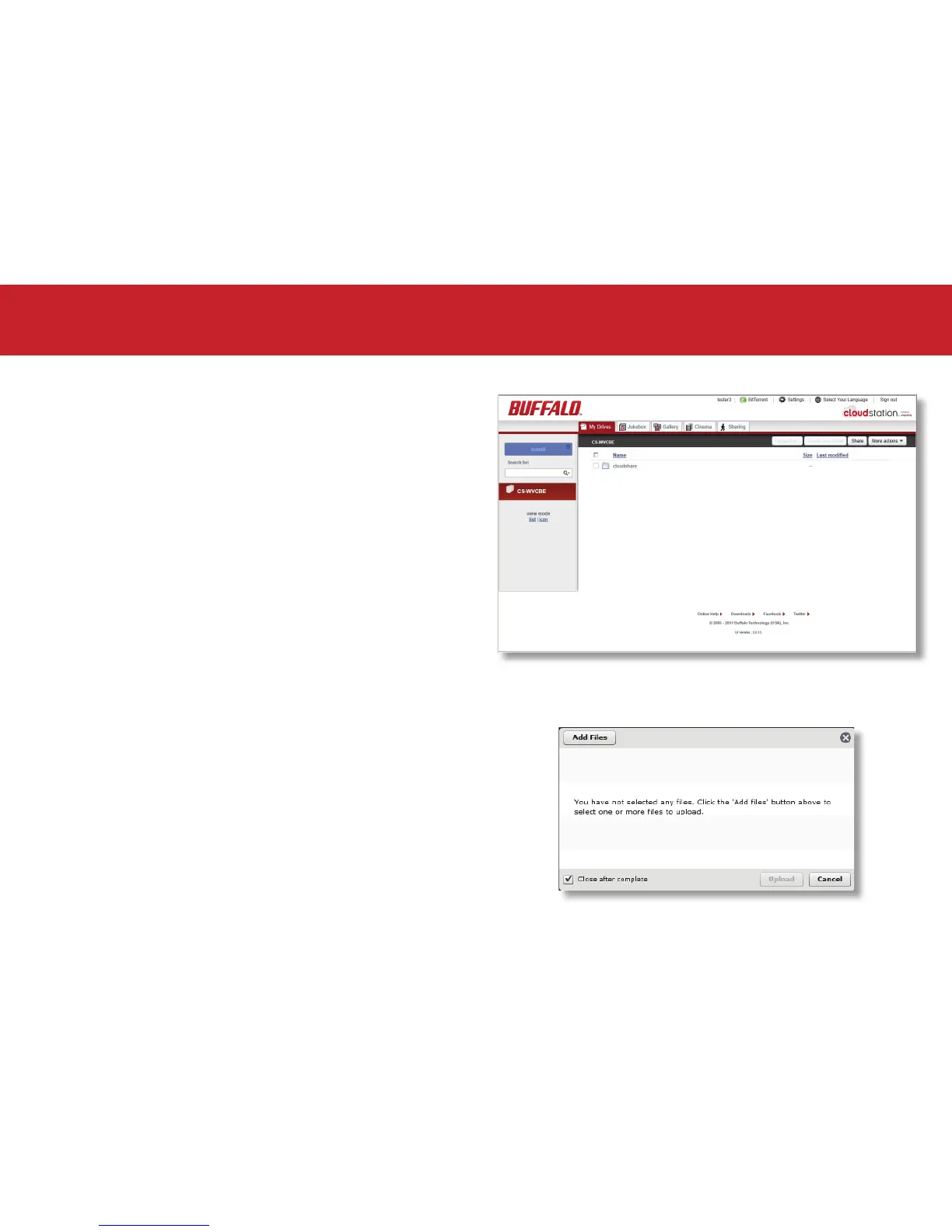
Locate the drive and folder you would like to
upload to. If this is your rst time using the
CloudStation, click on the cloudshare folder.
Click Upload Files on the grey toolbar at the top
of the screen.
When the upload les dialogue appears, select
Add File(s) and choose the le(s) you would like
to upload.
Click Upload.













 To Next Page