26
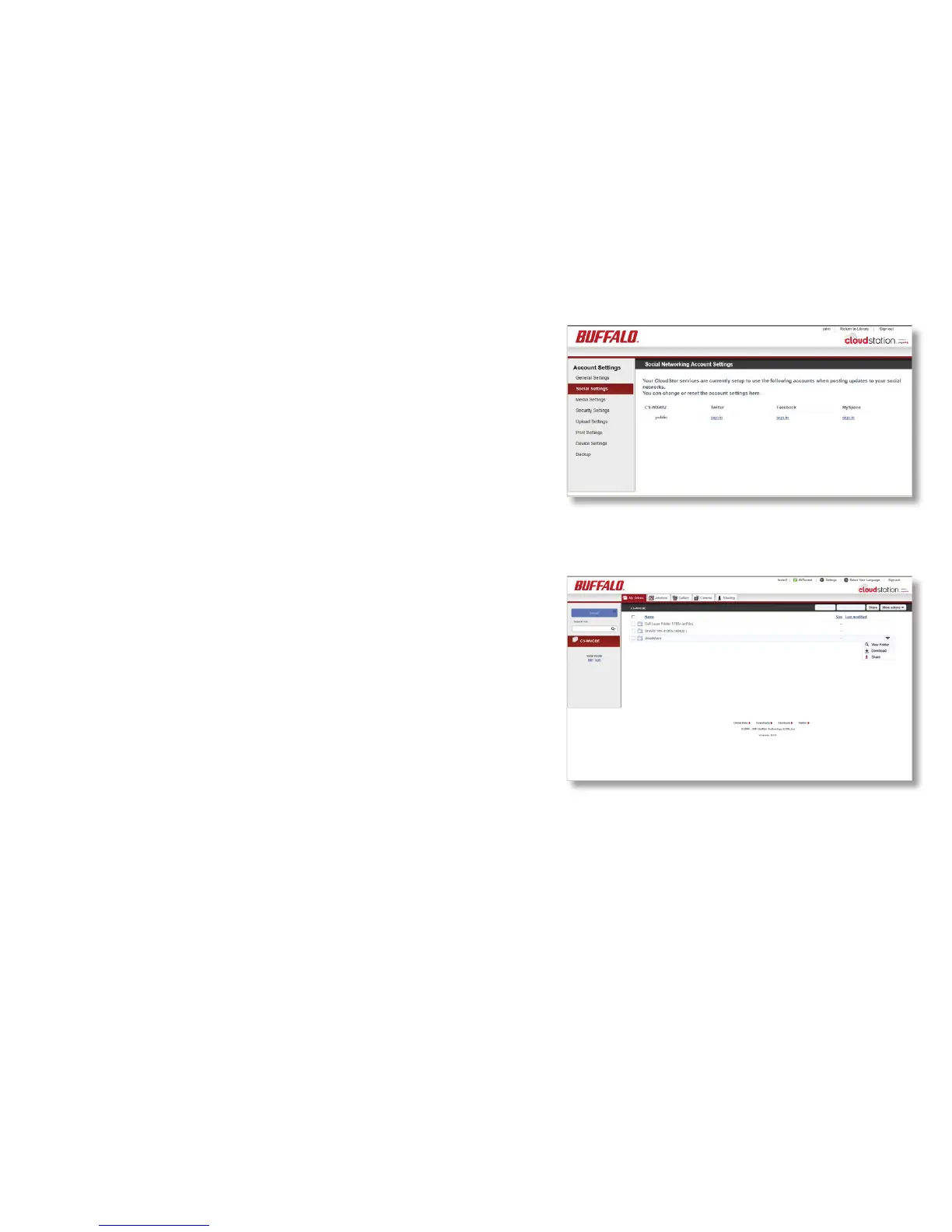
To allow posting to Twitter, Facebook, or MySpace from
your CloudStation, log in to the appropriate service in
Social Settings. To log in to a service, click sign in and
step through the wizard. Note: you may have to disable
your pop-up blocker to log in.
Once you’re logged in, you can share folders and les
on your social networks. Click Return to Library, select
a folder or le, click the down arrow, and click Share.
Social Settings













 To Next Page