17
Sharing on your CloudStation is quick and easy. You can share with one
or multiple people.
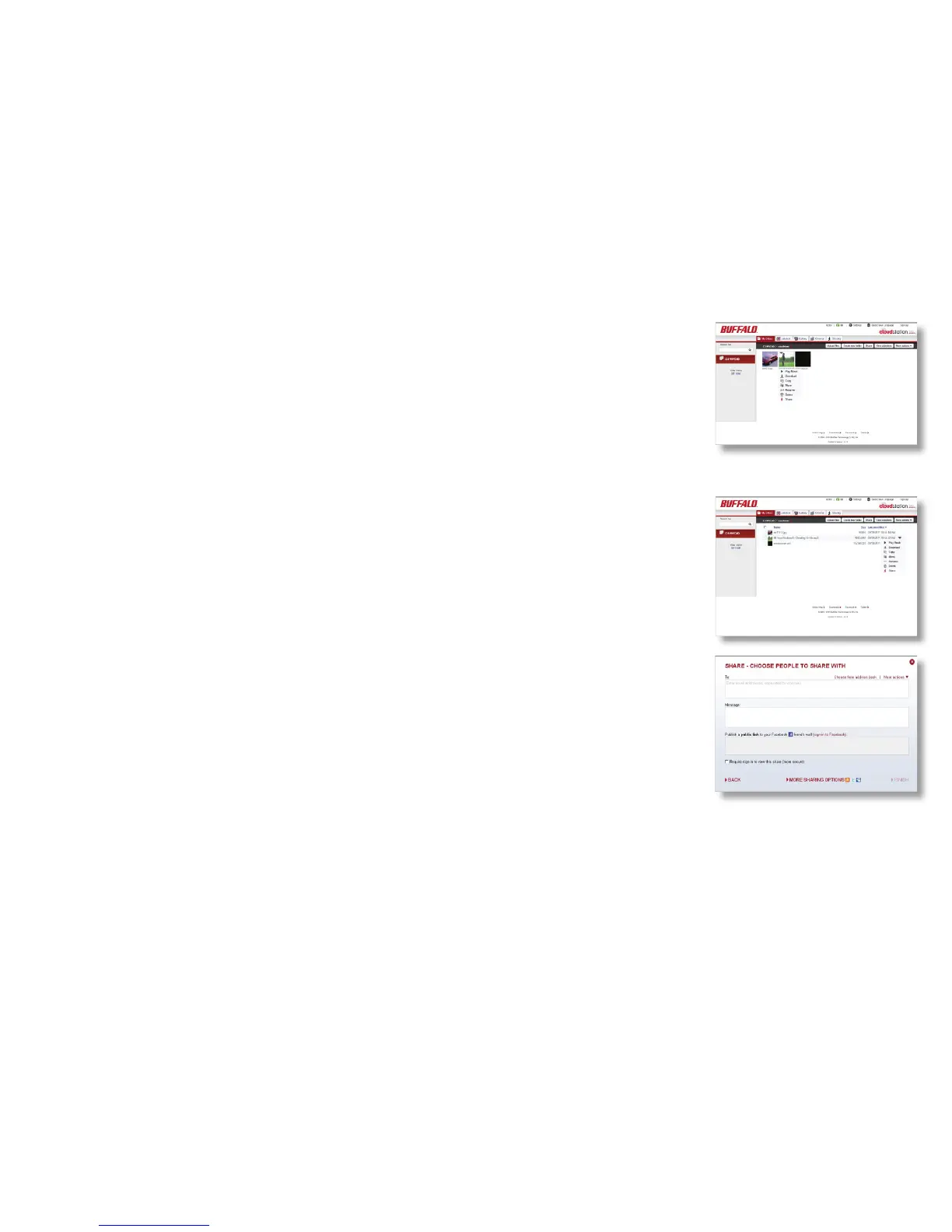
To share a folder or le:
1. Click on the down-arrow for the folder or le and choose Share.
2. Enter the email address of the person you would like to share the
folder with in the textbox located under “To”. You may share with
multiple people by adding multiple email addresses separated by either
a comma or semicolon. Email addresses you enter are saved into the
address book for easy access.
3. You have the option to send a message to the user you are sharing
with in the “Message” text box.
4. If you’re logged in to Facebook, you post to your friend’s wall by
adding a check next to their name.
5. Click Finish.
6. A link will be emailed to the users you have shared with.
Note: Links to shared folders expire 2 weeks after they’re sent. If the
Sharing













 To Next Page