4
Open a browser window on your computer and go to https://cloudstation.pogoplug.com/. Click
Set Up Your CloudStation.
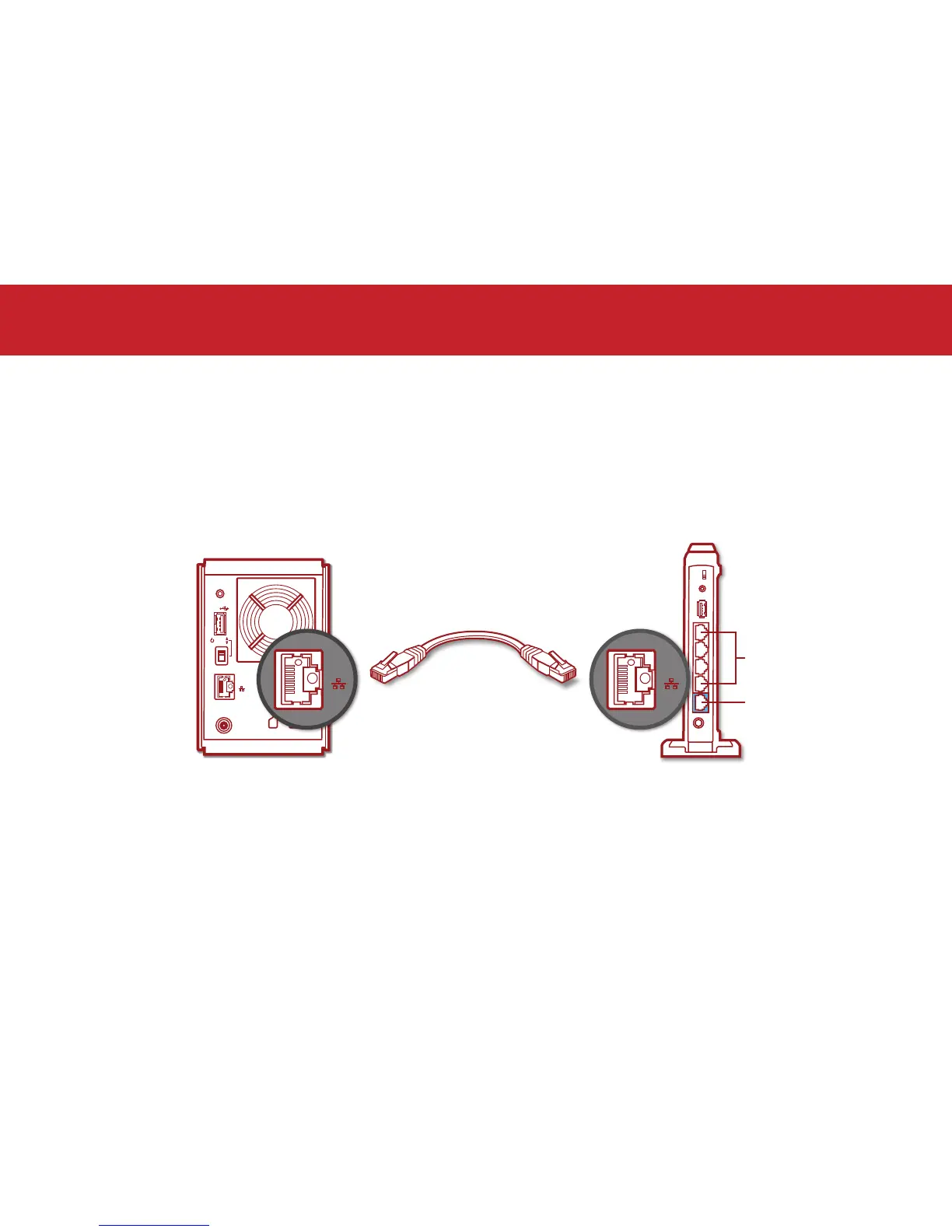
Plug one end of the included Ethernet cable into the Ethernet port on your CloudStation and the
other end into any available LAN port on your router.
In the browser window, click Next.
Setup













 To Next Page