28
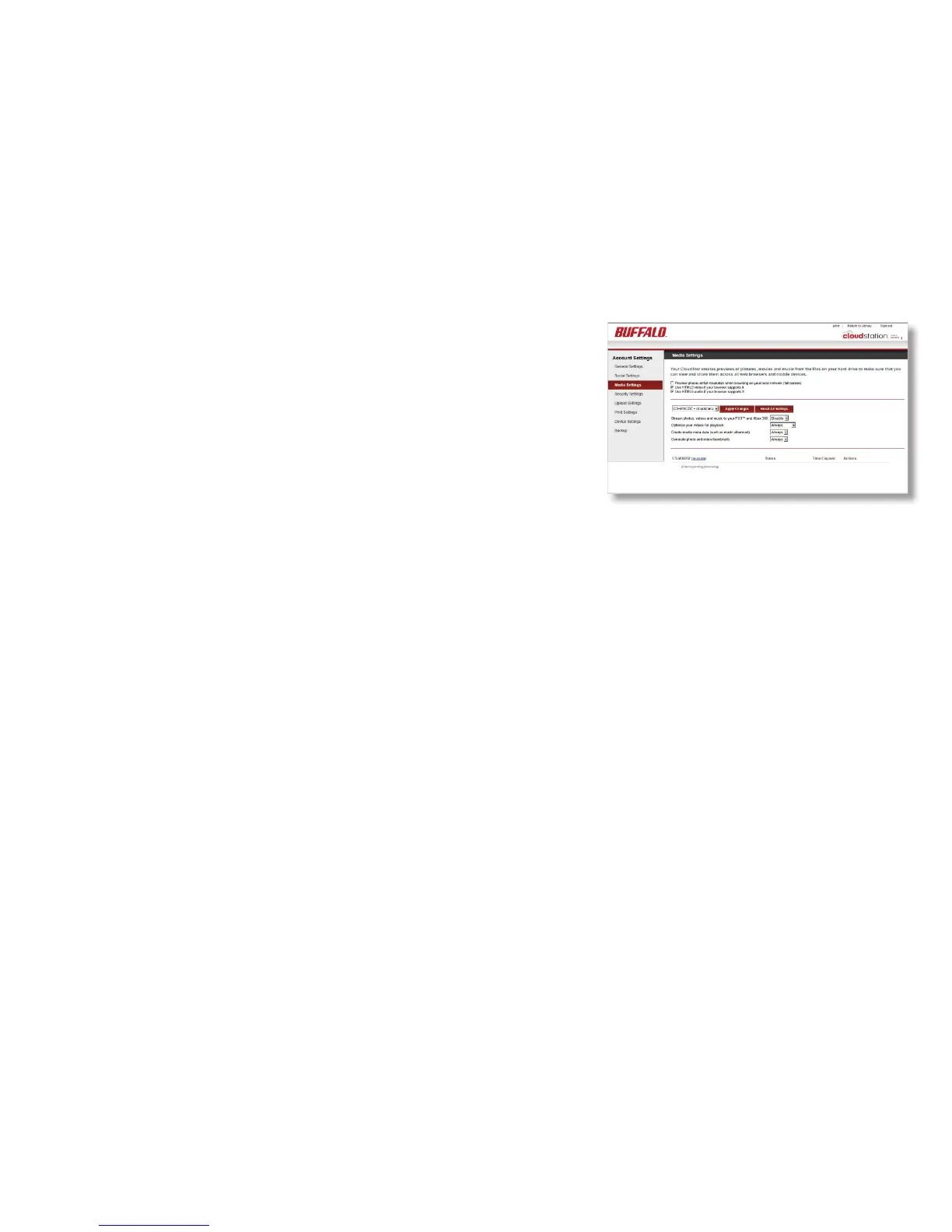
You can use CloudStation to stream movies, photos, and
music to your XBox 360® and PS3® game consoles and
to the game consoles of people you share with. You can
also play back media les from the CloudStation with a
computer browser if Flash is installed. The Media Settings
screen also allows you to customize the options for how
the CloudStation handles videos. There are 3 options:
optimize videos for playback (convert into web friendly H.264
encoding), create media meta-data (fetch music album art,
iPhoto dates, etc.), and generate thumbnails (which allows
for previewing). All of these options can be turned on or off.
Click Apply Below Changes to conrm your choice.
You can preview a video by hovering the mouse pointer over
the thumbnail for a video. You can turn off this feature on
the Media Settings page by unchecking Preview videos when
hovering over video thumbnails. HTLM5 is supported for
compatible Web browsers. Select the HTLM5 video or audio
checkbox to enable this feature.
Media Settings













 To Next Page