27
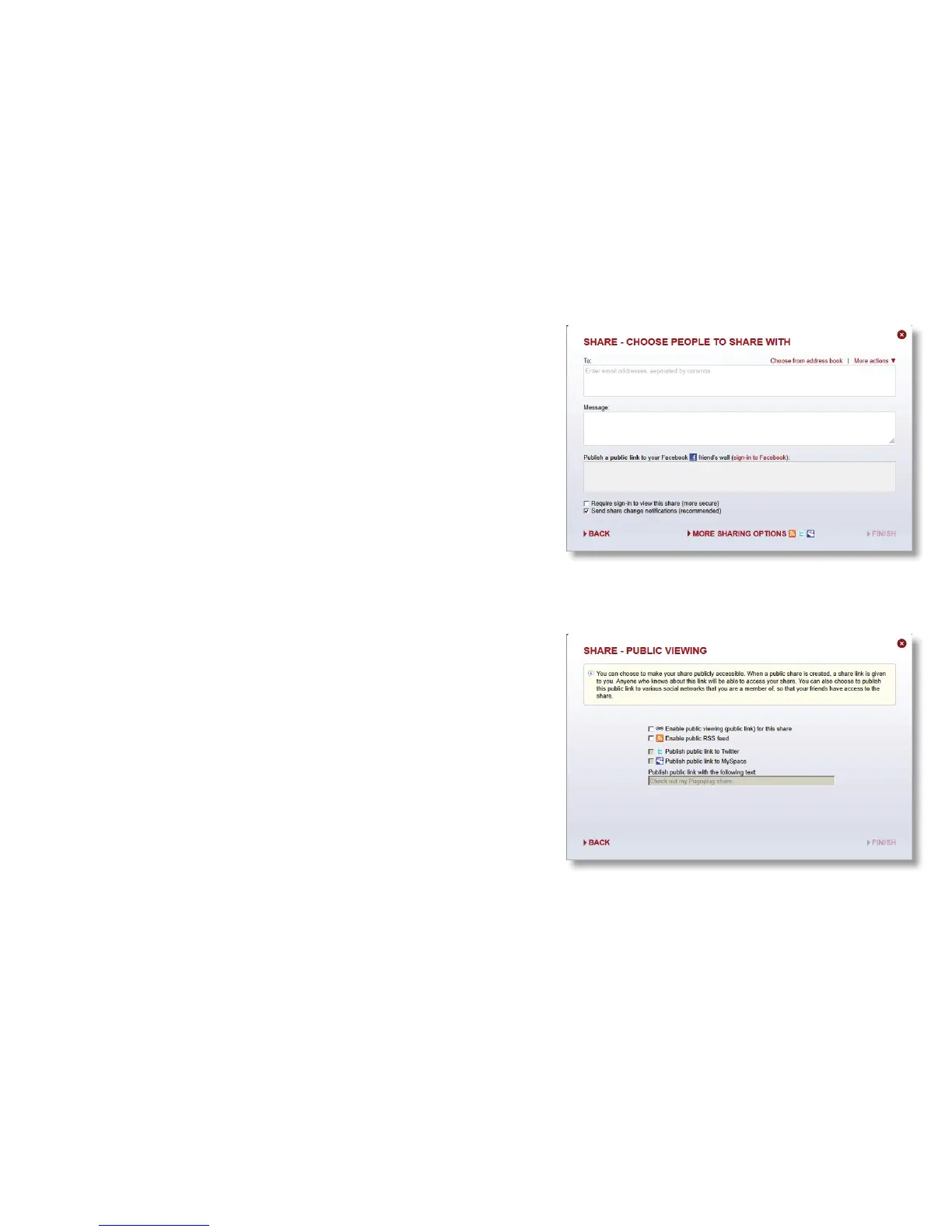
Enter the email addresses of anyone you want to send
the message to directly. Enter text for your message. If
you want to post the message to a social network, click
on More sharing options, or click Finish to send the
message now.
If you’re sharing the message to a social network, put a
check in the box next to each social network that you
want to publish to and click Finish.













 To Next Page