24
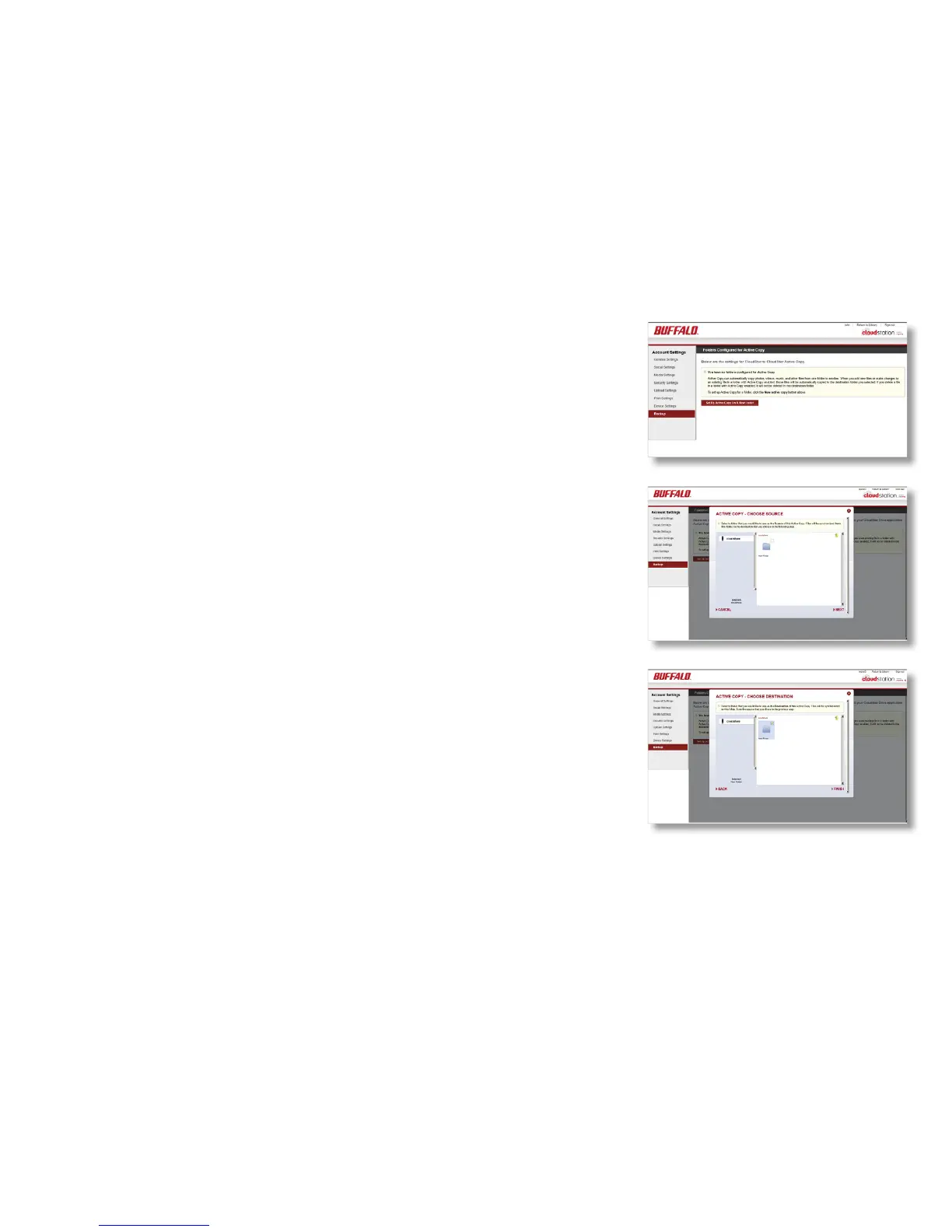
Active Copy automatically backs up a folder to a different folder.
Source and target folders may be on your CloudStation, or on
a different CloudStation or other Pogoplug device. If you have
installed Pogoplug drive software on your computer, you can also
use it with Active Copy.
To congure Active Copy, click on Settings, then Backup. Click on
Set up Active Copy on a New Folder.
Choose the source folder, then the target folder. Click Finish when
done.
Depending on how many les are in the source folder and the
speed of the network between the two devices, it may take some
time for Active Copy to complete.
Active Copy













 To Next Page