25
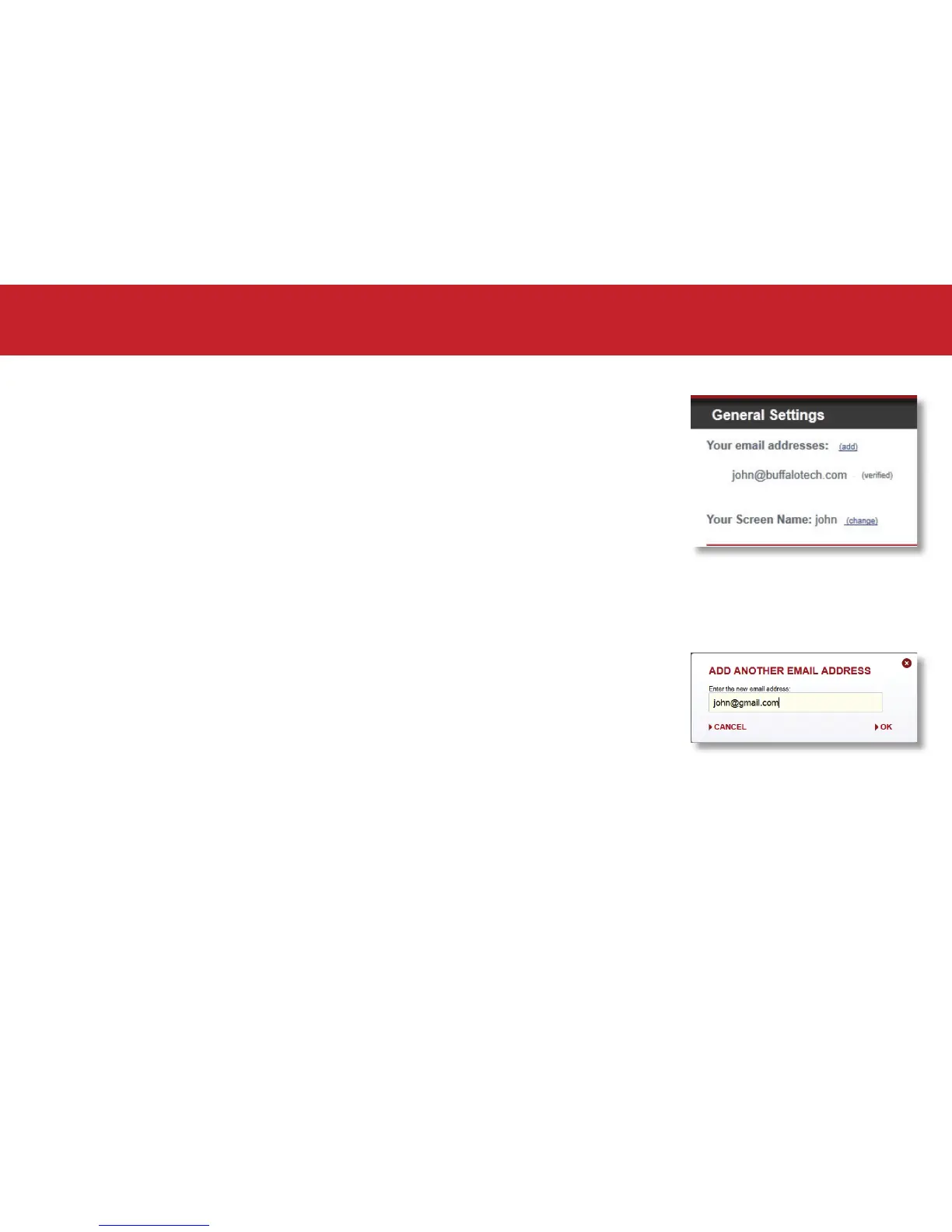
From the settings window you can update your email addresses and
manage the CloudStation device(s) associated with your account.
You may associate multiple email addresses with your account. Each
email address has full access to all drives and shares associated with
the account.
To add additional email addresses to your account, simply click the
add link next to “Your email addresses”.
General Settings
Settings and Conguration













 To Next Page