20
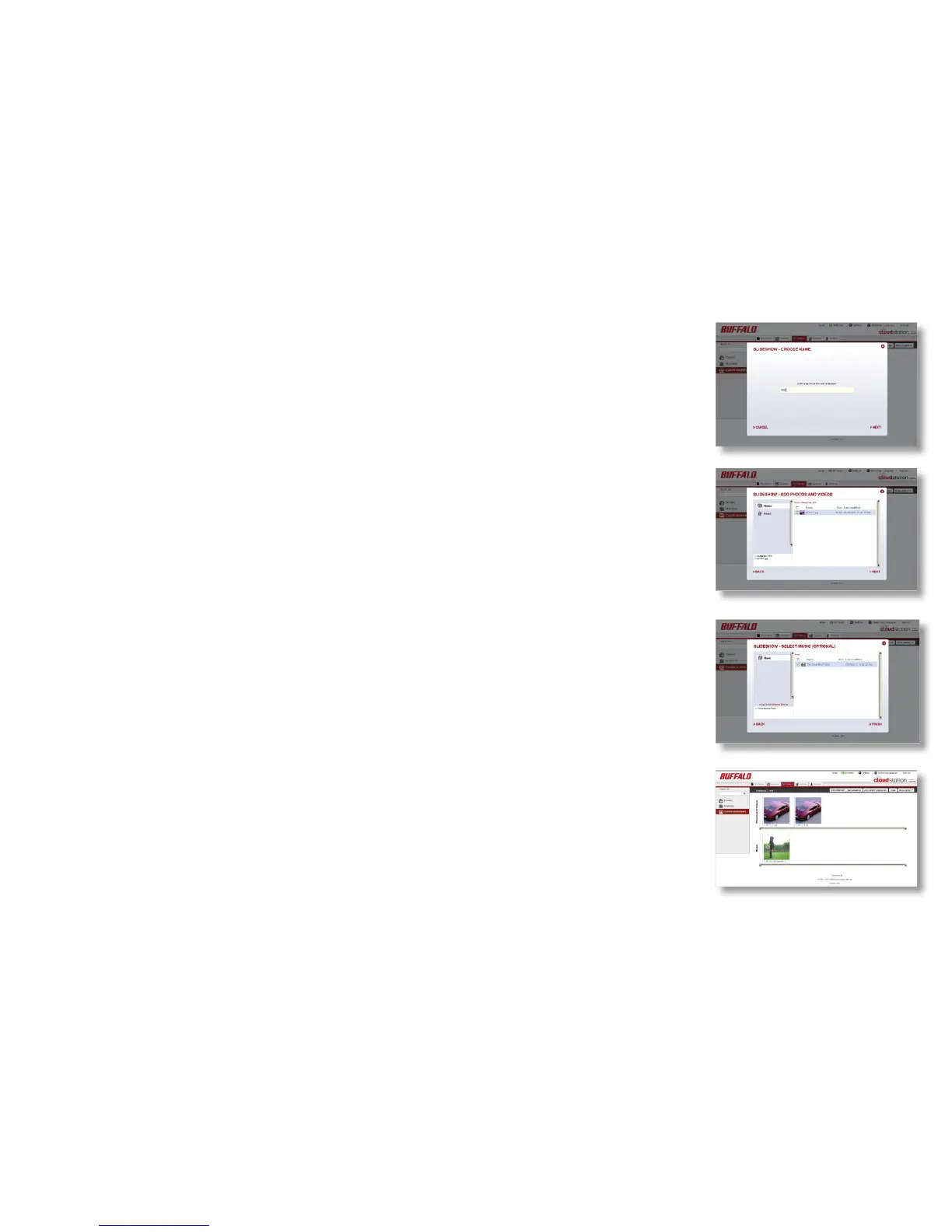
You can create slideshows that include your favorite photos, videos, and
music.
To create a slideshow follow these steps:
1. Select the Galleries tab, then select Custom Slideshows. Click Create.
2. Enter a name for the new slideshow in the popup window.
3. Put a check next to the folders and les that you want in the
slideshow.
4. Select the le of folder of the music that you want to play during your
slideshow (optional).
5. Click Start slideshow.
Slideshows













 To Next Page