22
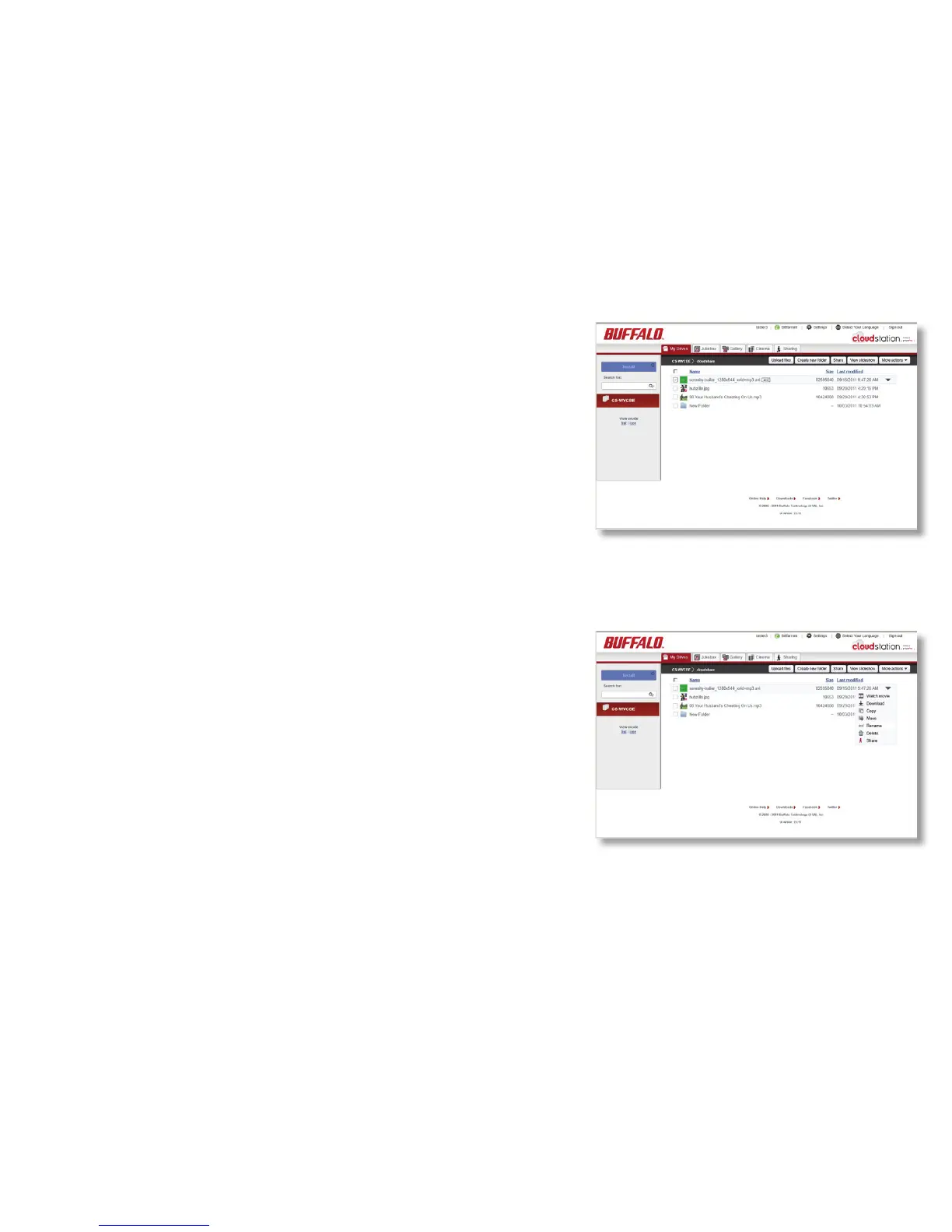
Focus your mouse pointer on the name of the folder or le
you would like to rename and click on the “abc” icon to
the right of it. You can then change the name of the le or
folder.
Or, click the down arrow at the far right and choose
Rename. You can then change the name of the le or
folder.
Renaming Files and Folders













 To Next Page