18
user it is being shared with has not created an account and password they will no longer be able
to access the share. If the owner of the share removes them from the share list and adds them
again, a new link will be generated and sent with a 2 week expiration.
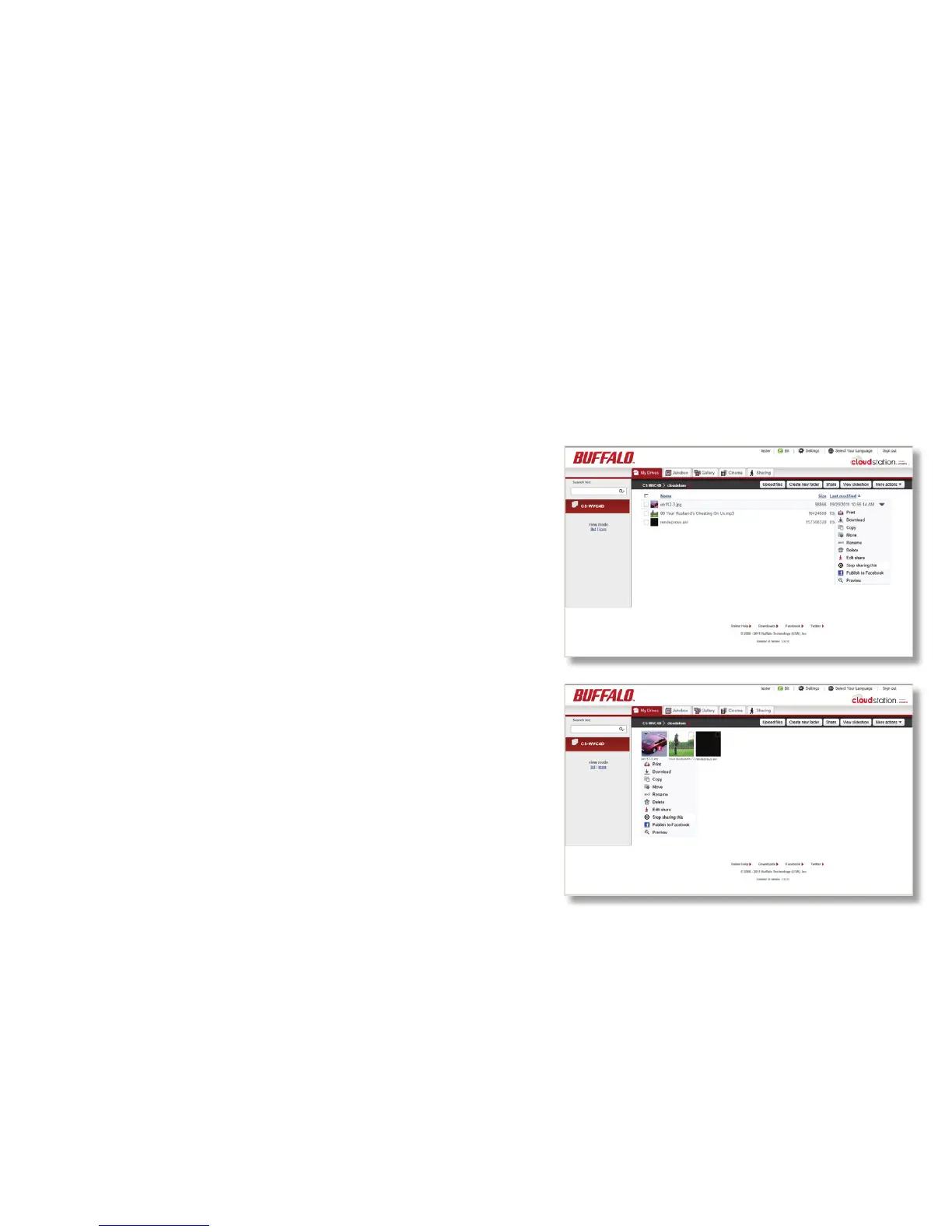
To stop sharing a drive, folder, or le:
1. In List mode, click on the arrow to the right of the
drive, folder, or le. In Icon mode, hover your cursor
over the icon and click on the down arrow.
2. Choose Stop sharing this.













 To Next Page