32
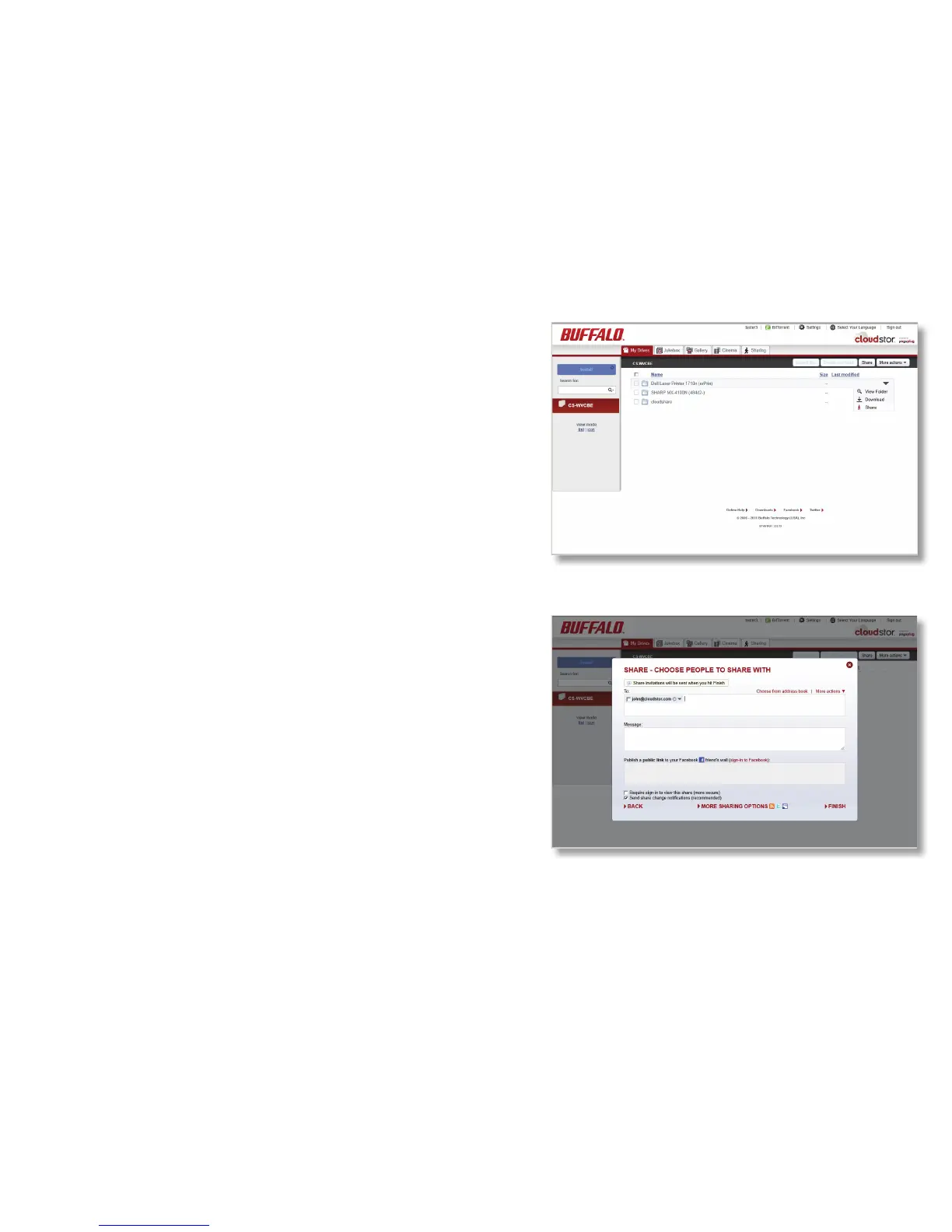
You can also allow others to print by giving printing
rights to their email addresses. To share the printer
with someone else, go to the Sharing tab, click on
printers I share, select Share, chose the printer then
the people you want to share the printer with.
Enter an email address in the To eld. Enter a
message (optional) in the Message eld if desired.
Click Finish. The person you’ve invited can now print
documents by sending them as attachments to print@
mypogoplug.com.













 To Next Page