42
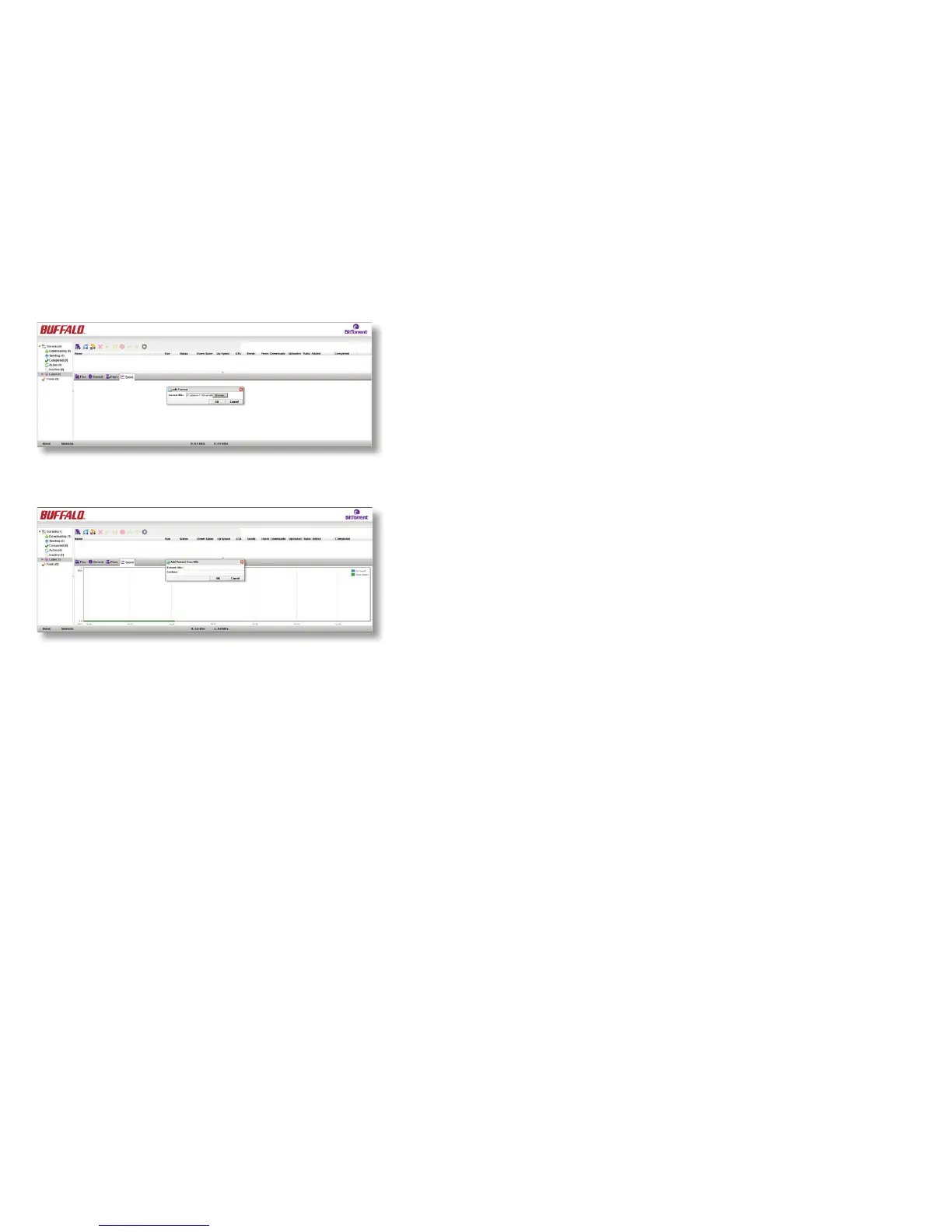
To add a torrent, click on the rst download icon (the
purple one) at the top left. The Add Torrent dialog will
open. Click Browse, navigate to the torrent le, and open
it. Click OK.
Alternately, click the second (blue) icon, and enter the
URL of the torrent in the Torrent URL eld. Click OK.
The le(s) will automatically download in the background.













 To Next Page