Chapter1 Setup
LinkStation Setup Manual
1313
5 USB connector (USB 2.0/1.1 Series A)
A USB storage device, card reader (except one that recognizes more than 2 memory
cards), digital camera, or USB Printer may be connected to the USB port on the back of the
LinkStation. USB hubs, mice, and keyboards are not supported.
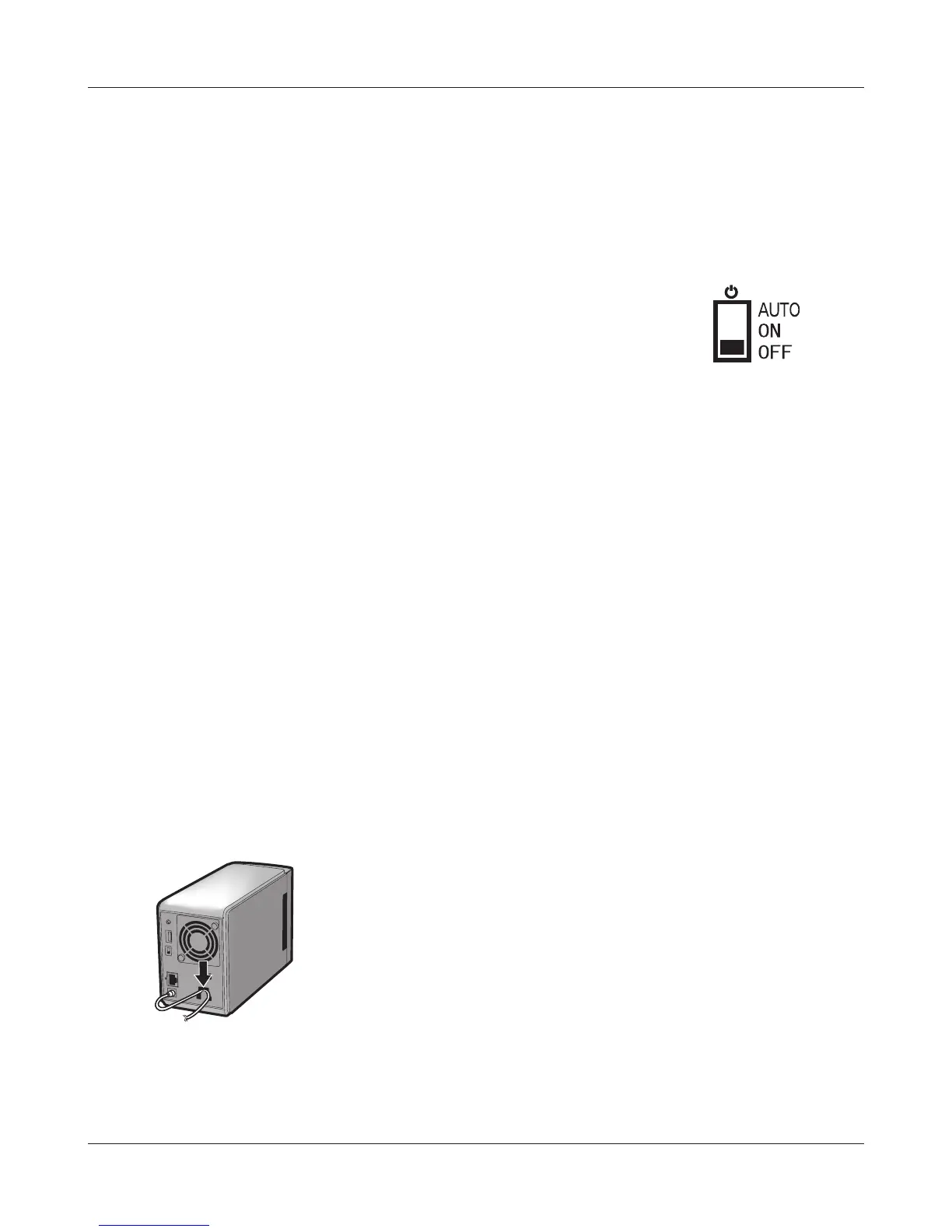
6 Power mode switch
AUTO: The LinkStation turns on and o automatically with your PC (s).
ON: The LinkStation boots and is operational.
OFF: The LinkStation shuts down.
7 LAN port
Connect to your LAN with an Ethernet cable.
8 Link/Act LED
Glows green for connection.
Blinks green for access.
9 Power connector
The AC adaptor connects here.
10 Fan
Do not block the fan when installing the unit.
11 Security lock for anti-theft
Many security cables are compatible with this lock.
12 Hook
Secure the power cable so that it doesn’t come o by mistake. Slide the cable down to se-
cure.
The inserted cable is xed in the hook by
sliding it in the downward direction.















 To Next Page