Appendix
LinkStation Setup Manual
7272
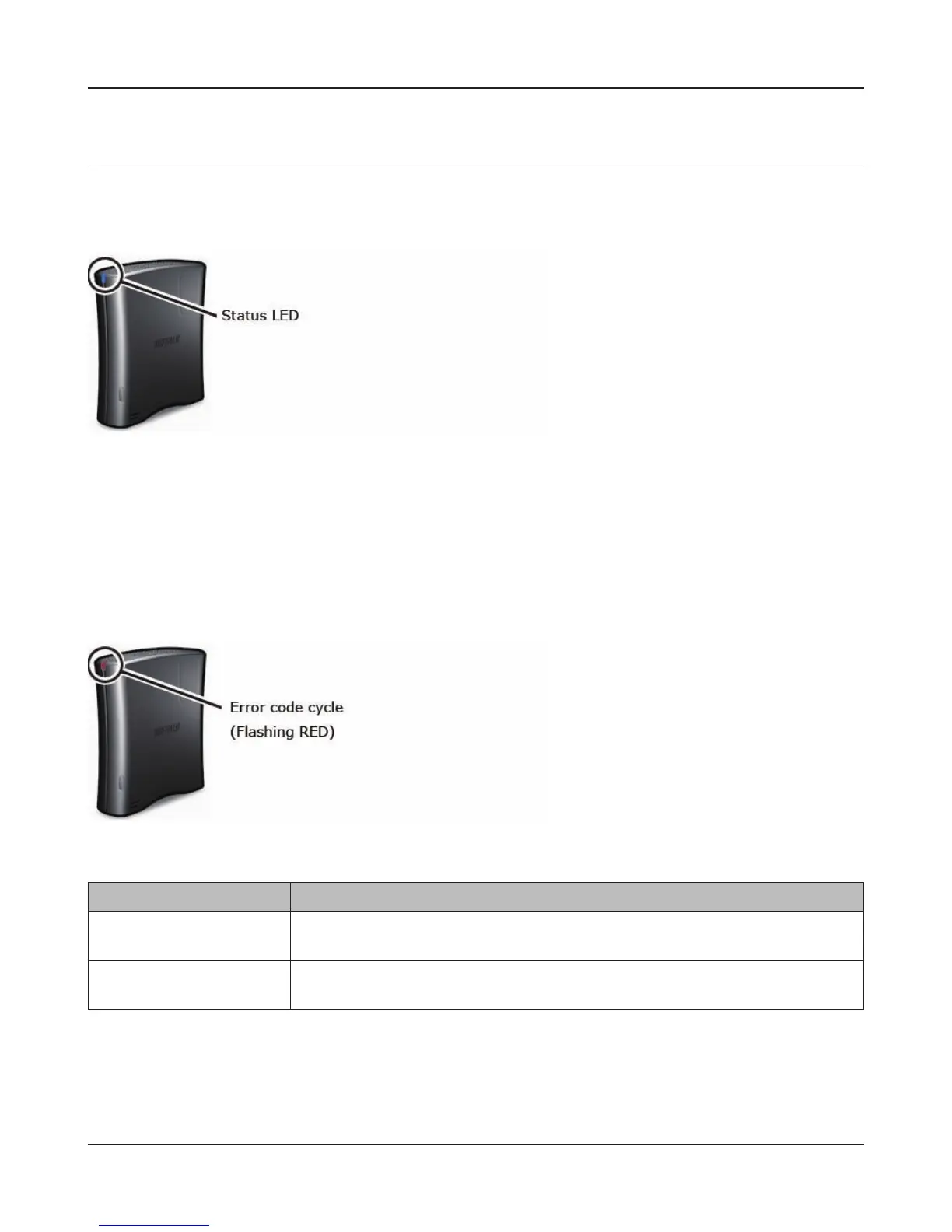
Status LED (LS-XHL, LS-CHL)
Glowing blue
When the power of LinkStation is ON, the blue Status LED is ON. When it is OFF, the LED is also OFF.
Red ashing (Error code)
An error has occurred when the red status LED at the front on the LinkStation is ashing. The way it
ashes indicates the type of error.
Note: – If there is an error message, you can check the meanings of an error with the message
displayed when you search for the LinkStation with NAS Navigator2.
Place Status
10’s place The LED illuminates for 1 second every 0.3 seconds.
The number of ashes is the ten’s place of the information code.
1’s place The LED illuminates for 0.5 seconds every 0.3 seconds.
The number of ashes is the one’s place of the information code.















 To Next Page