Chapter2 Using your LinkStation
LinkStation Setup Manual
2222
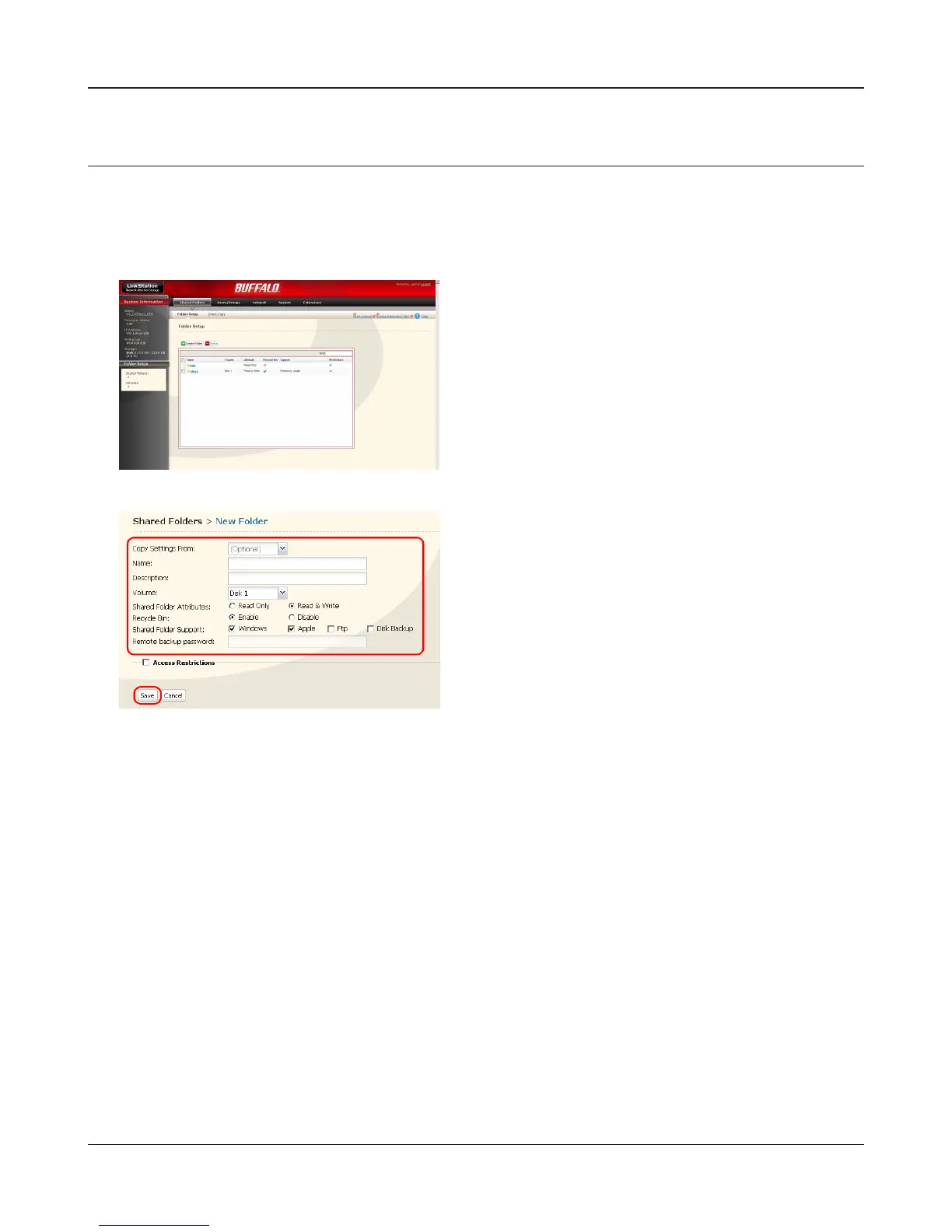
Add a shared folder
To add a shared folder, use the following procedure.
Note: – Refer to page 20 for the procedures to display the conguration screen.
1
2
Now you have created a new shared folder.
1 Set a shared folder name, attributes and other
settings.
Note: – If you would like to copy the settings of
an existing folder, select a source folder at
[Copy Settings From].
2 Click [Save].
In the LinkStation conguration screen, click [Cre-
ate Folder] in [Shared Folders].















 To Next Page