Chapter2 Using your LinkStation
LinkStation Setup Manual
2121
4
Now displaying the LinkStation’s conguration has been completed.
Note: – Compatible browsers for the conguration screen are Internet Explorer 6.0 Service Pack
2 or later, Firefox 1.5 or later, and Safari 3 or later. The conguration screen may not be
displayed properly in any other browser which is not listed above. For Windows, install
Internet Explorer 6.0 Service Pack 2 or later or Firefox 1.5 or later. For Mac OS X 10.3.9, in-
stall Firefox 1.5 or later. For Mac OS X 10.4, install Safari 3 or later, or Firefox 1.5 or later.
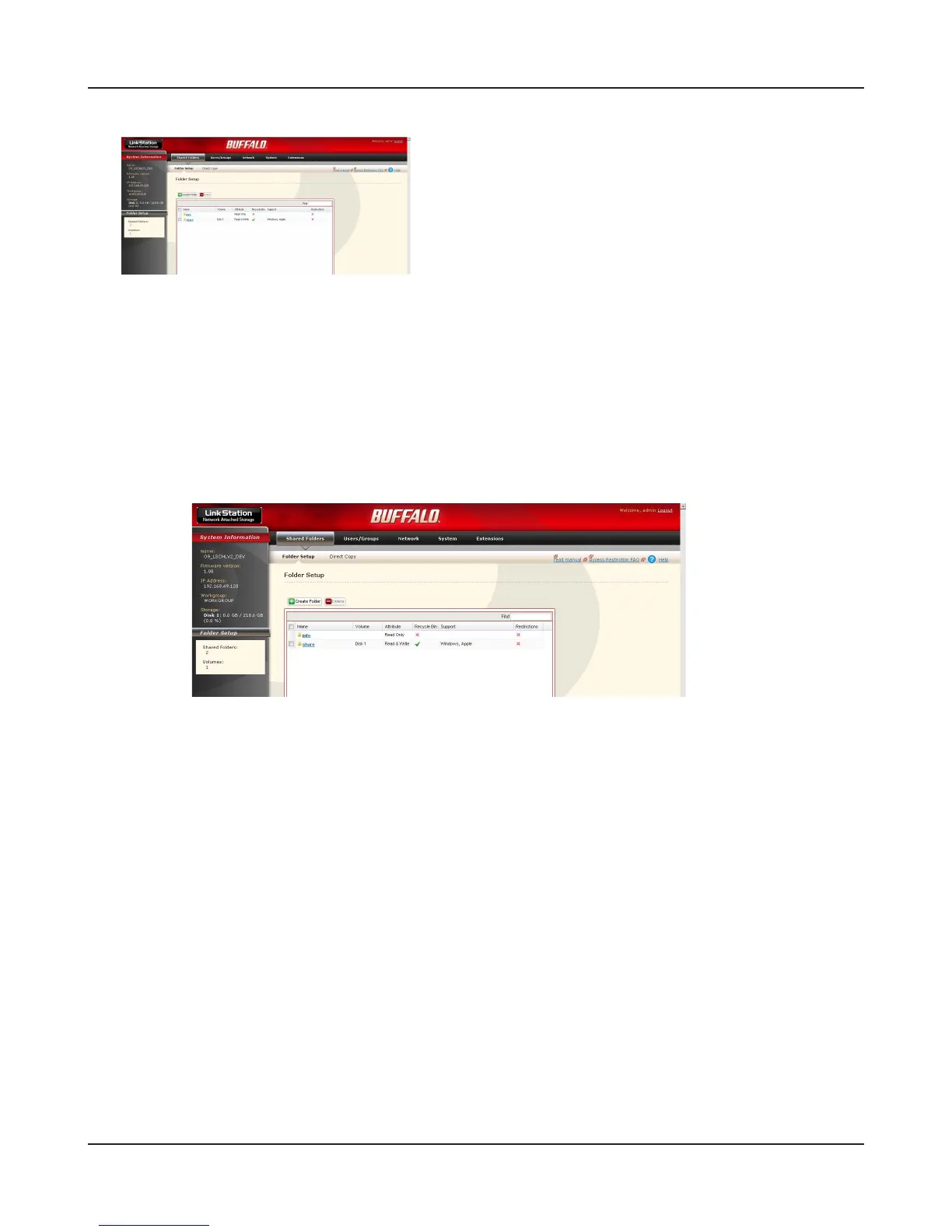
The conguration screen contains the following items.
The conguration screen is displayed.
Note: – The current status of the LinkStation (a Link-
Station name, IP address, workgroup and hard
disk information) is displayed.
• Shared folders
You can add/delete shared folders, set access restrictions, and configure for a direct
copy.
• Users/Groups
Register and delete users/groups.
• Networks
Register and delete a network or workgroup.
• Systems
Perform Name, time, disk check format, backup, mail notication settings, timer ON/
OFF, UPS synchronization settings, initialization, and complete disk format.
• Extension
Congure for WebAccess, Print Server, and Time Machine.















 To Next Page