Chapter2 Using your LinkStation
LinkStation Setup Manual
4242
Changing the administrator user name
and the password
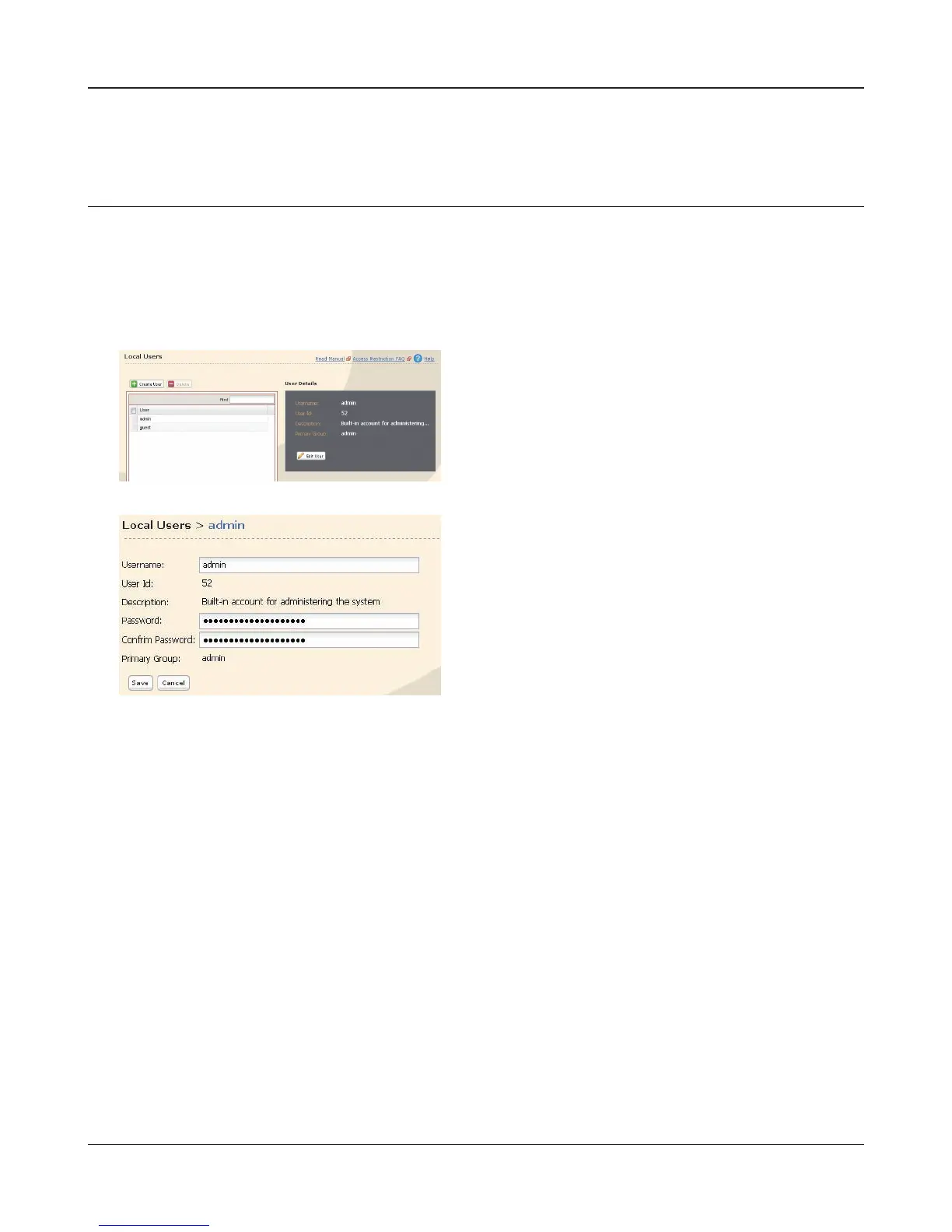
Setting for the administrator user name and the password of LinkStation.
1
On a setting screen of LinkStation, [User /group] [Local Groups] is clicked.
2
3
Note: – In case of the access restriction for which the administrator user is specied, the WebAc-
cess cannot be used. Please use the administrator user name as a user name when login
in LinkStation Web Administration Tool.
Now you have completed the setting of administrator’s password.
Select the user name (It is admin in initialization)
on the top and click the ‘Edit User’.
1 Enter the user name, the password, and the pass-
word for the conrmation.
2 Click [Save].















 To Next Page