Chapter 3 Useful Functions
LinkStation Setup Manual
6262
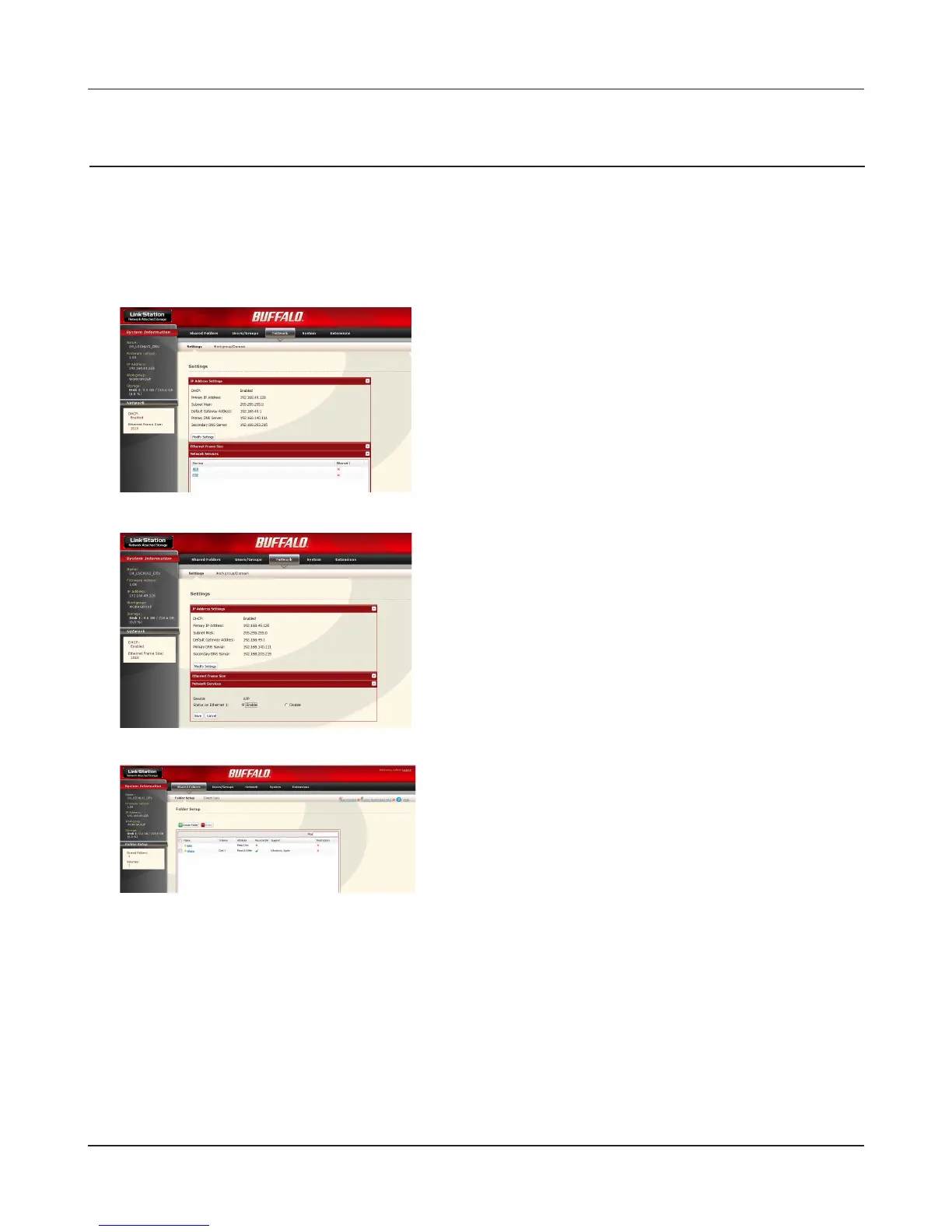
Click [AFP] on [Network] - [Settings] - [Network Ser-
vice].
Time Machine
If you use Time Machine feature which is the back up method from Apple and is supported on Mac
OS X 1.5 or later, use the following procedure.
Note: – Refer to page 20 for the procedures to display the conguration screen.
1
2
3
Select [Enable] and click [Save].
1 Click [Shared Folders].
2 Click a shared folder you want to set as a backup
destination on Time Machine feature.















 To Next Page