Chapter2 Using your LinkStation
LinkStation Setup Manual
4444
Initialization on the conguration screen
On the LinkStation conguration screen, you can initialize following settings in addition to the ini-
tialized items described above.
Note: – The following settings will be initialized;LinkStation name, Description, NTP settings,
Workgroup settings, Shared service settings, the access restrictions of the shared folder,
User settings, User group, mail notification feature settings, UPS synchronization set-
tings, Backup Settings, Administrator’s password, Print server function, WebAccess fea-
ture, Language settings, Timer ON/OFF, HDD spin down, Media server, BitTorrent, and
Time Machine.
1
2
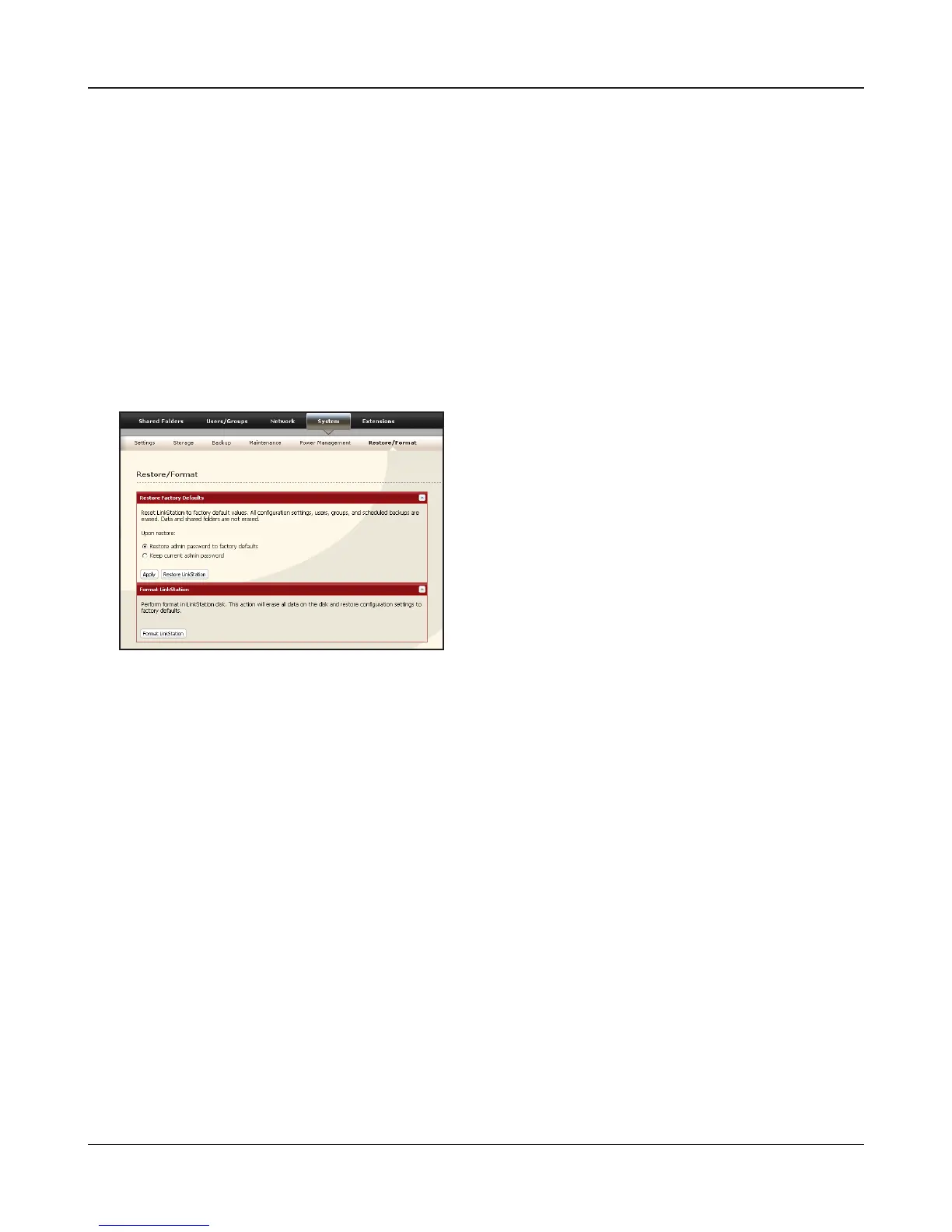
Click [Restore LinkStation].
3
The [Conrm Operation] screen will be displayed.
Enter the exact same number as shown in the [Conrmation Number] eld within 60 seconds,
and click [Apply].
4
Follow the instructions displayed on the screen.
Now the initialization on the conguration screen has been completed.
Click [System]-[Restore/Format] on the LinkSta-
tion conguration screen.















 To Next Page