Chapter 3 Useful Functions
LinkStation Setup Manual
5555
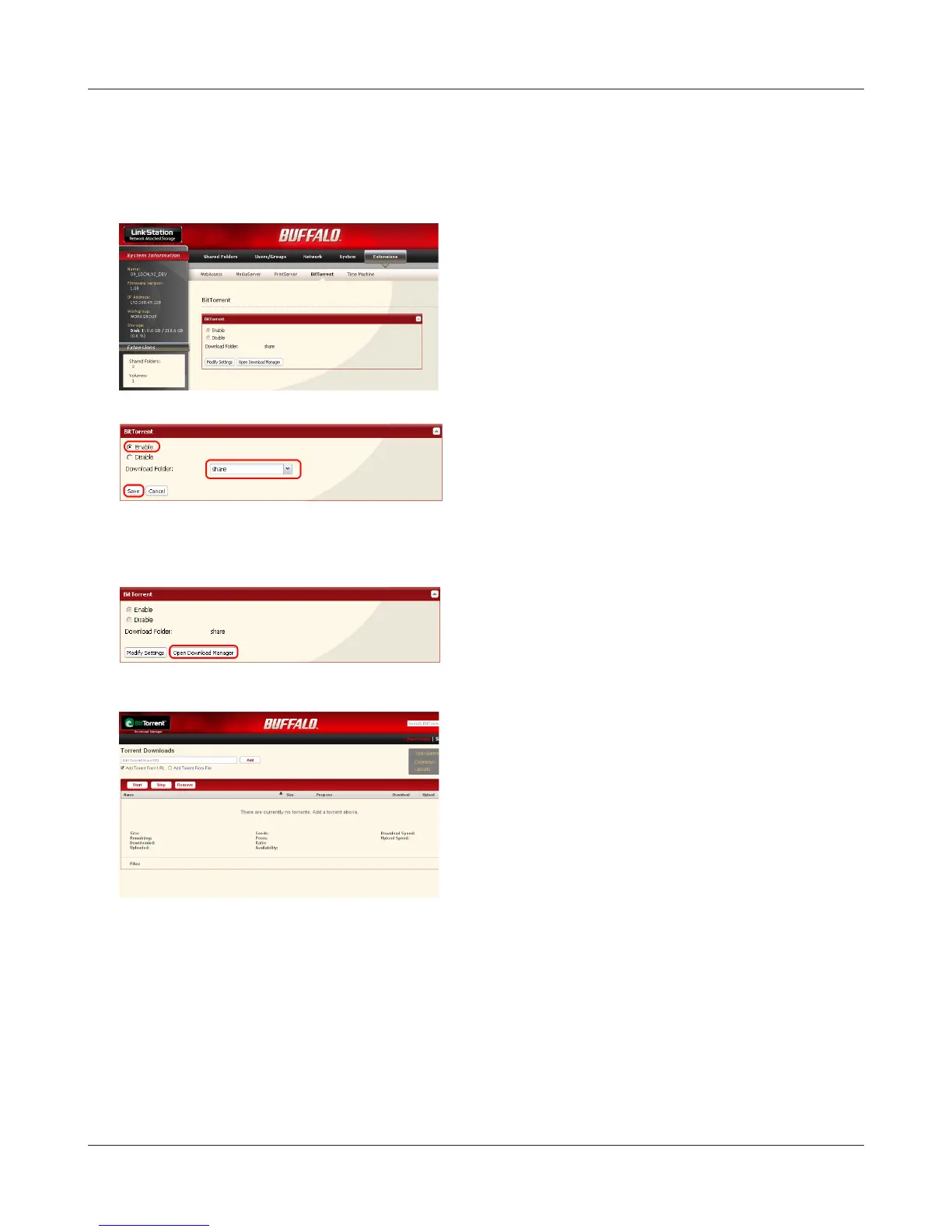
Enabling BitTorrent feature and selecting folders
Note: – Refer to page 20 for the procedures to display the conguration screen.
1
2
3
4
The Download Manager screen will be displayed.
There are two methods downloading; Download-
ing by adding Torrent information Add Torrent
From a URL or Add Torrent From a le.
1 Click [Extensions] - [BitTorrent] on the congu-
ration screen of the LinkStation.
2 Click [Modify Settings].
1 Click [Enable].
2 From the Download Folder, select a shared
folder where the les downloaded with BitTor-
rent.
3 Click [Save].
Click [Open Download Manager].















 To Next Page