Chapter 3 Useful Functions
LinkStation Setup Manual
6666
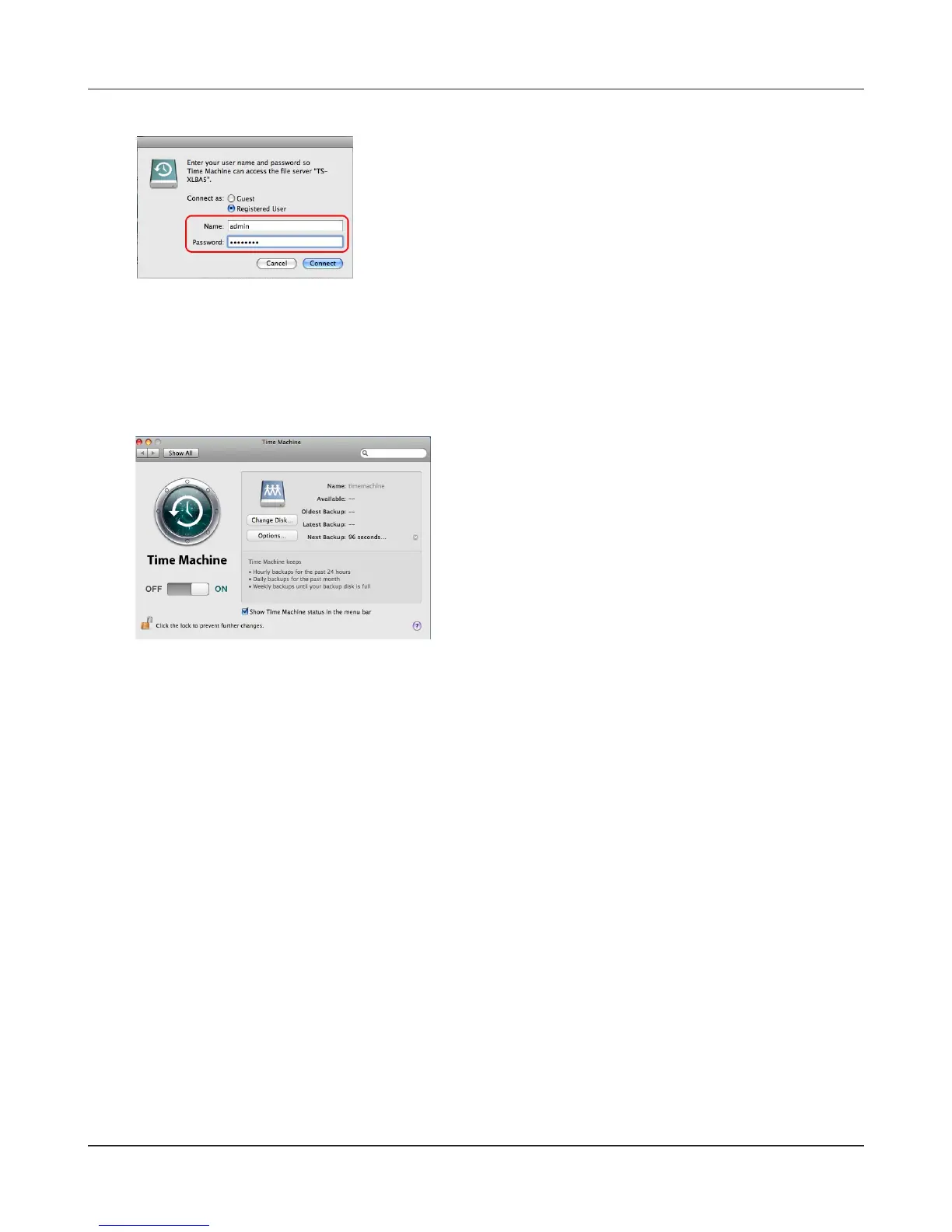
Make sure that the switch of Time Machine is "ON".
The number of seconds displayed in [Next Back-
up] will be counted down, and a backup job will
starts when it hits zero.
A backup job will be done in background, so you
can operate and shutdown Mac OS as usual.
If you want to recover data or set items you want
to exclude from a backup job, refer to Mac OS
Help.
12
If you do not use access restrictions for the shared folder of the LinkStation you set as a backup
destination, enter “admin” in the user name box and your password for “admin” in the password.
If you use the access restrictions feature. enter a user name and password that has the read and
write access right.
13
Now you have completed to backup using Time Machine.
Enter a user name and password to access the shared
folder of the LinkStation, click [Connect].















 To Next Page