Chapter1 Setup
LinkStation Setup Manual
8
4
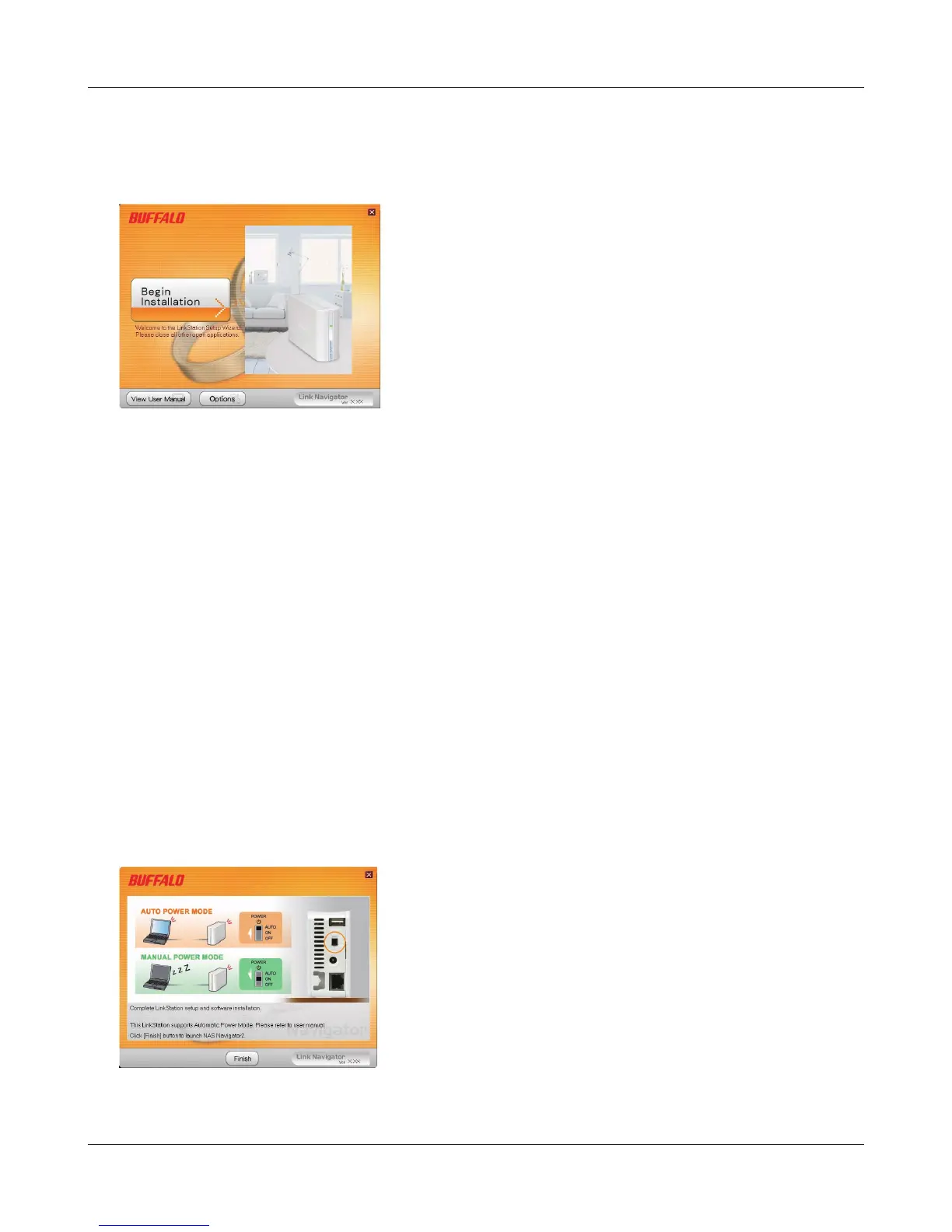
Insert the Utility CD in your computer’s CD drive. LinkNavigator will launch.
Click ‘Begin Installation’.
Note:– If LinkNavigator doesn’t open, open the Utility CD and double-click ‘LSNavi.exe’.
– If you are using Windows 7 or Vista, the autoplay screen may appear. Click ‘Run
LSNavi.exe’.
– If “Do you want to allow the following program to make changes to this
computer ?” is displayed in Windows 7, please click ‘Yes’.
– If “Your permission is necessary to continue program” is displayed in Windows
Vista, please click ‘Continue’.
– For Mac OS, double-click on the LinkNavigator icon in the utility CD.
– Temporarily disable your anti-virus software and software rewall before
installing. You may not be able to set up this device if they are enabled. Refer to
the software’s manual for instructions. After setup is complete, re-enable the
software.
– If your computer doesn’t have a CD drive, you may download the LinkNavigator
software from www.bualotech.com.
5
Click 'Finish'. NAS Navigator2 starts automatically.















 To Next Page