Bunn-O-Matic Corporation
19
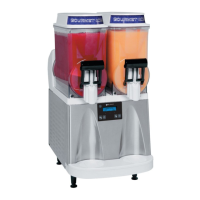
ULTRA 1 and 2 Start Up with LAF
Step 1: Review the switch operation of the user panel.
Step 2: Apply power to the machine.
Step 3: Press and release the (ON/OFF) switch to power on the machine.
Step 4: ULTRA with LAF option: Press and release the appropriate (ON/OFF) auger switch until the appropriate
“Auger Rell On” mode is selected. This mode activates the motor and rell circuit in unison and will automatically
maintain the level of product in the hopper to the probe level.
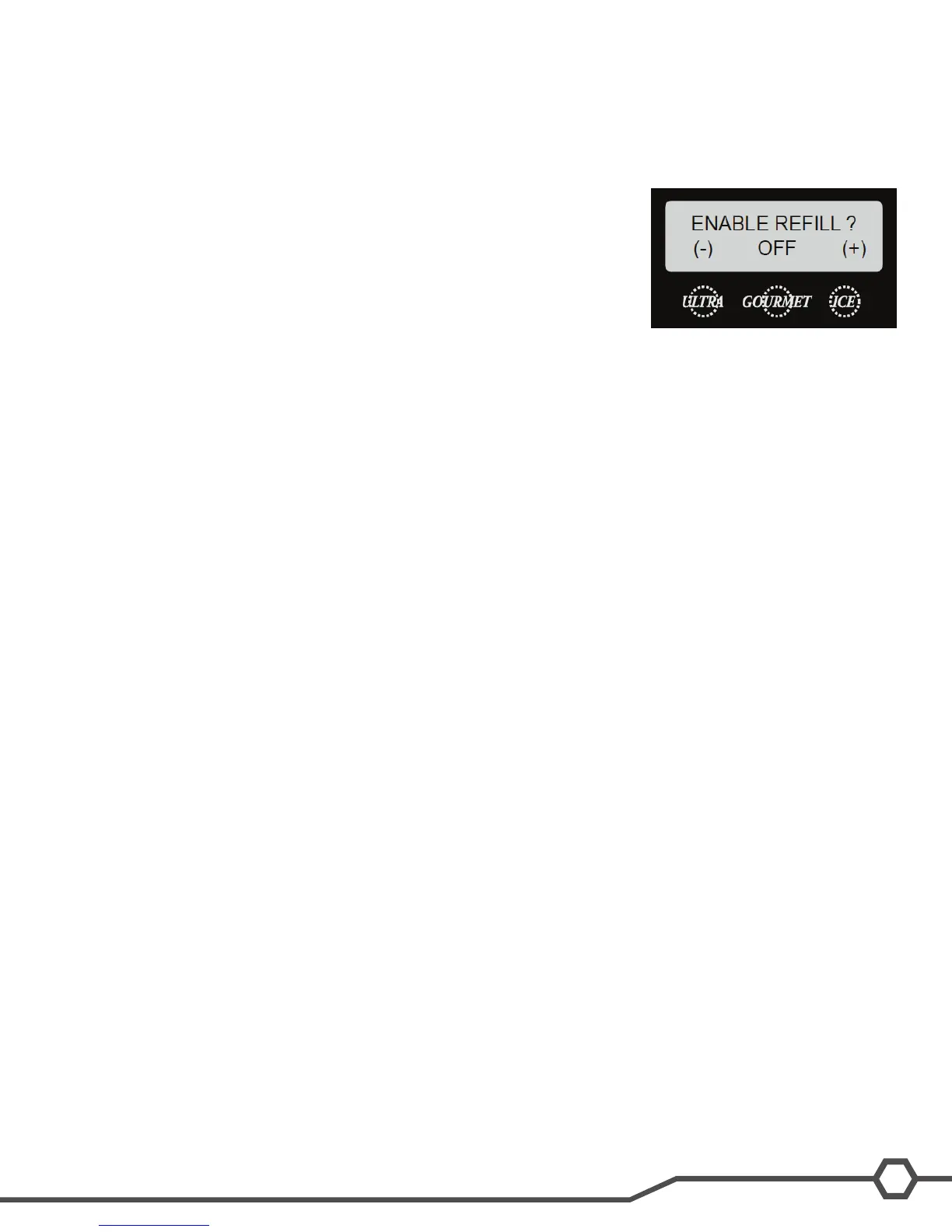
Note: ULTRA-1 only – Enable the rell menu in the programming to activate the
liquid autoll function.
Step 5: Press and release the (OFF/ICE/CHILL) switch until the appropriate
mode is selected (ICE).
Step 6: The cooling process is now activated and cooling will begin after a
sequence delay within the start up or activation of the cooling system.
Ultra 1 Only (Step 4)


 To Next Page