33
Risk of shock
Loose wiring may cause the system to be irregular and can lead to serious accident like shock.
- The engineer should check the exterior distribution plate and make sure it is neutral before wiring.
- Wire line must pass through trunking or PE plastic pipe. The area that the trunking and PE plastic
- Avoid scratching and breaking insulation skin of cable.
- All cables should be checked carefully after wiring.
4.6.3 Cable Requirements
When choosing cable length and connection, please decide according to the actual
wiring of the install:
Item Name Description
Manufacturers
recommended type
1 Power cable
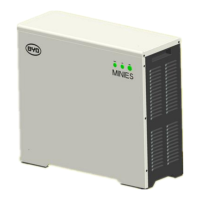
Mini ES connects to general load
distribution plate
3*4mm²
2 Load cable
Mini ES connects to important load
distribution plate
3*4mm²
3 Communication cable PV communication cable 10m
4
Internet
communication cable
Mini ES internet connection
CAT5 UTP (Unshielded
Twisted Pair)


 To Next Page