45
4.7.4 Supply power and start up
Only connect the breaker of MINIES on the “general distribution plate” to supply power to system.
The process:
1. Press the “POWER” for about 10s until “POWER” light is on.
2. While you are waiting for “POWER” light on, the “POWER”, “LOCAL”, “REMOTE” light will
3. When the “POWER” light is on, you can release the “POWER” button.
4.
checking itself, a normal operation during the power up process.
5. After this process, the “POWER” and “LOCAL” lights will stay on.
6. The process in complete.
4.7.4.1 Status Check
To check the status of “POWER”, “LOCAL” lights:
Normal status:
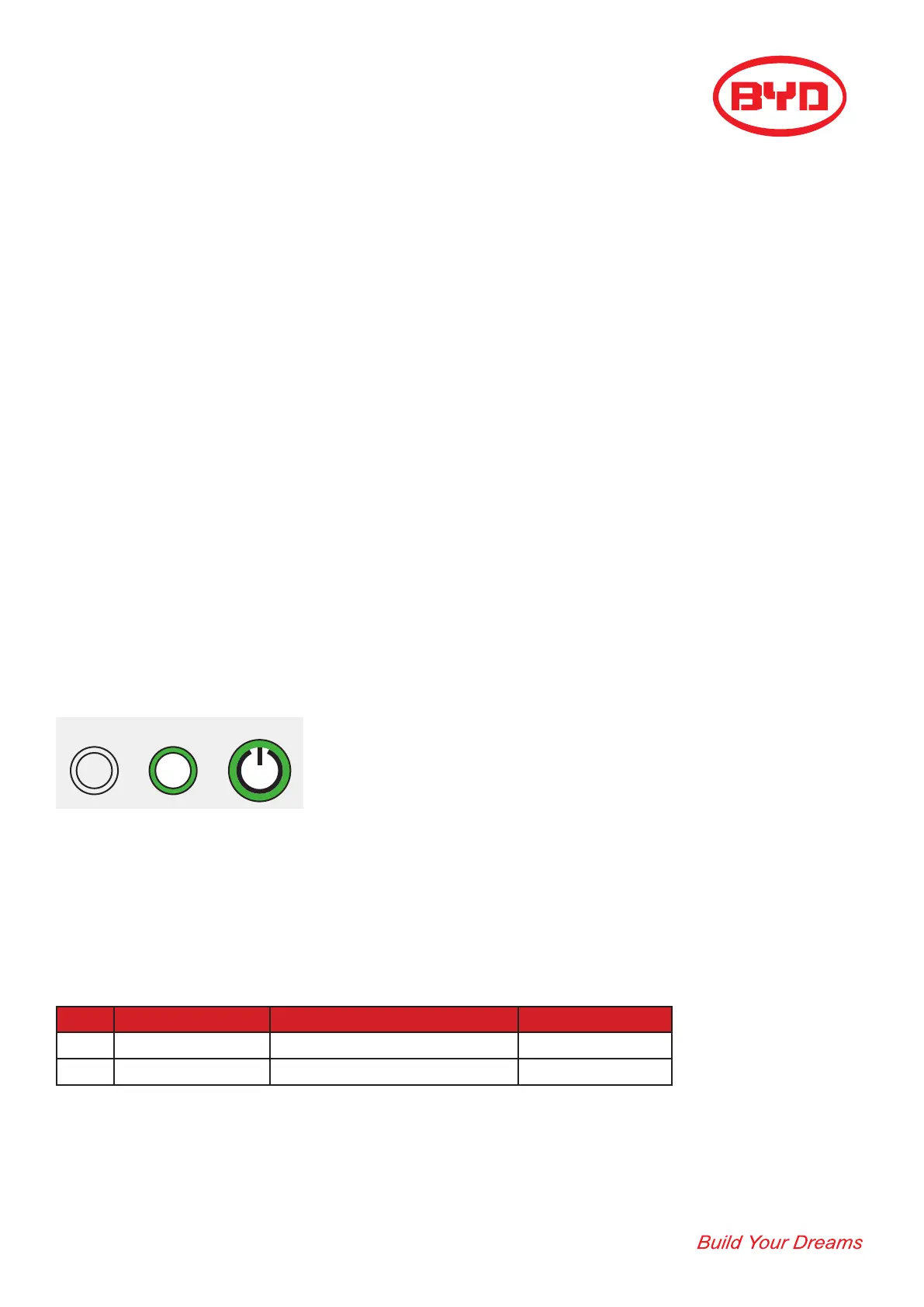
“POWER” and “LOCAL” buttons stay alight (as shown below)
Abnormal status:
Start check
Step Content Requirement Result
1 Power status Stays Lit
2 Local status Stays Lit
REMOTE LOCAL POWER


 To Next Page