iNetVu New Gen Troubleshooting Guide
C-COM Satellite Systems Inc.
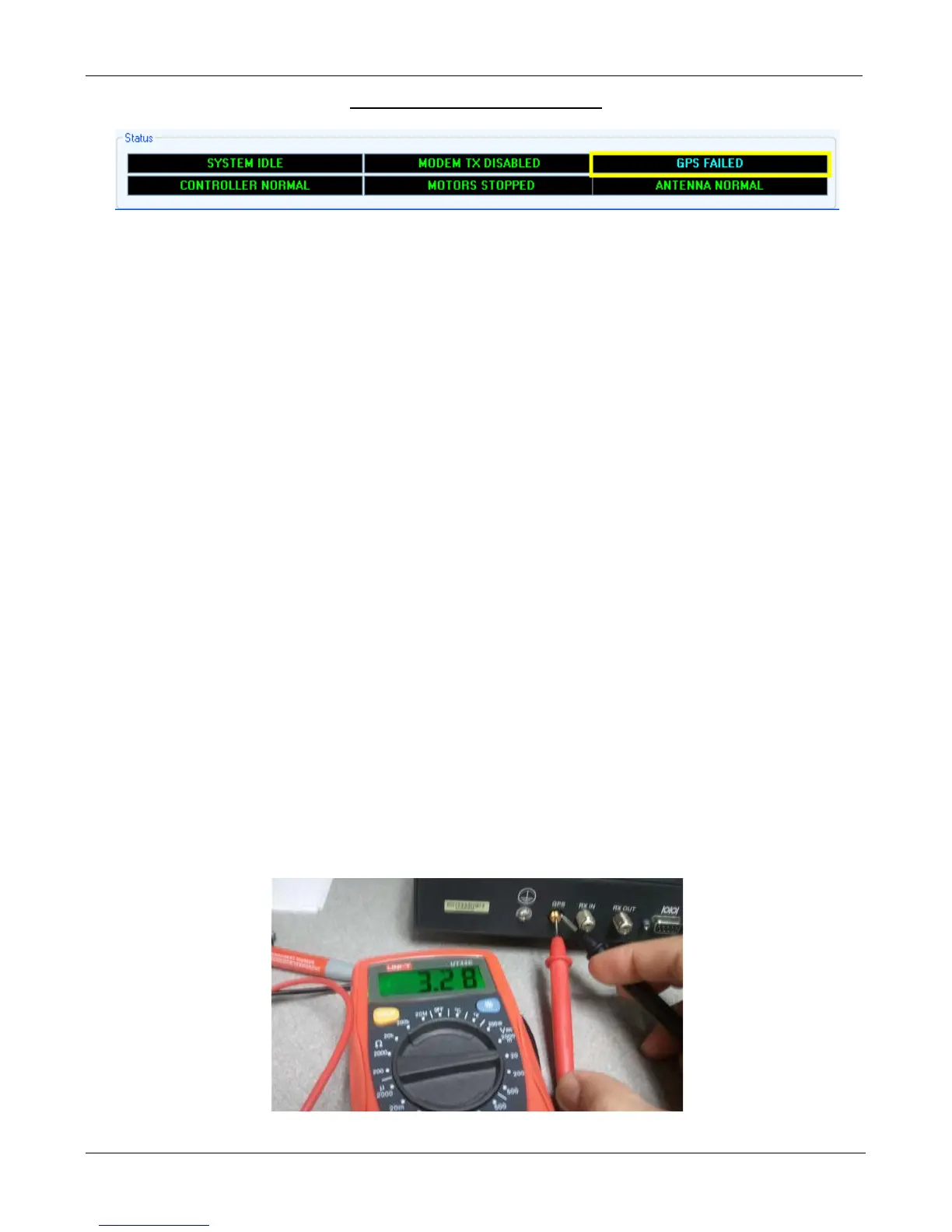
ERROR 0X8914 - GPS Failed
Note: Some Glonass Antenna may take longer than normal to acquire signal. Please contact C-COM
technical support for more information.
Cause 1:
GPS Antenna is not connected.
Solution 1:
Verify GPS Antenna is securely connected to the 7000 Controller.
Cause 2:
A foreign object is obstructing the GPS Antenna.
Solution 2:
Ensure there are no foreign objects obstructing the GPS antenna from a clear view of the sky.
Cause 3:
Overcharge in the GPS Antenna Cable.
Solution 3:
Turn off the Controller Unplug GPS Antenna from the back of the 7000 Controller and ground it. Wait 5
seconds. Re-connect GPS Antenna and turn on the Controller. Observe the GPS Coordinates on the
Controls menu. It may take a couple of minutes to update.
Cause 4:
The Controllers GPS port or the GPS has failed.
Solution 4:
Test the Controllers GPS port for 3.3 Volts. If you are not getting any Voltage then the controller is the
issue. If you are getting Voltage the GPS Antenna may have failed. If you have a spare GPS antenna
please test. Please contact C-COM Technical Support for further assistance.
Insert a wire or paperclip for better contact


 To Next Page