Using the Simulator
25
PN:165K400000
Diagnostic Images
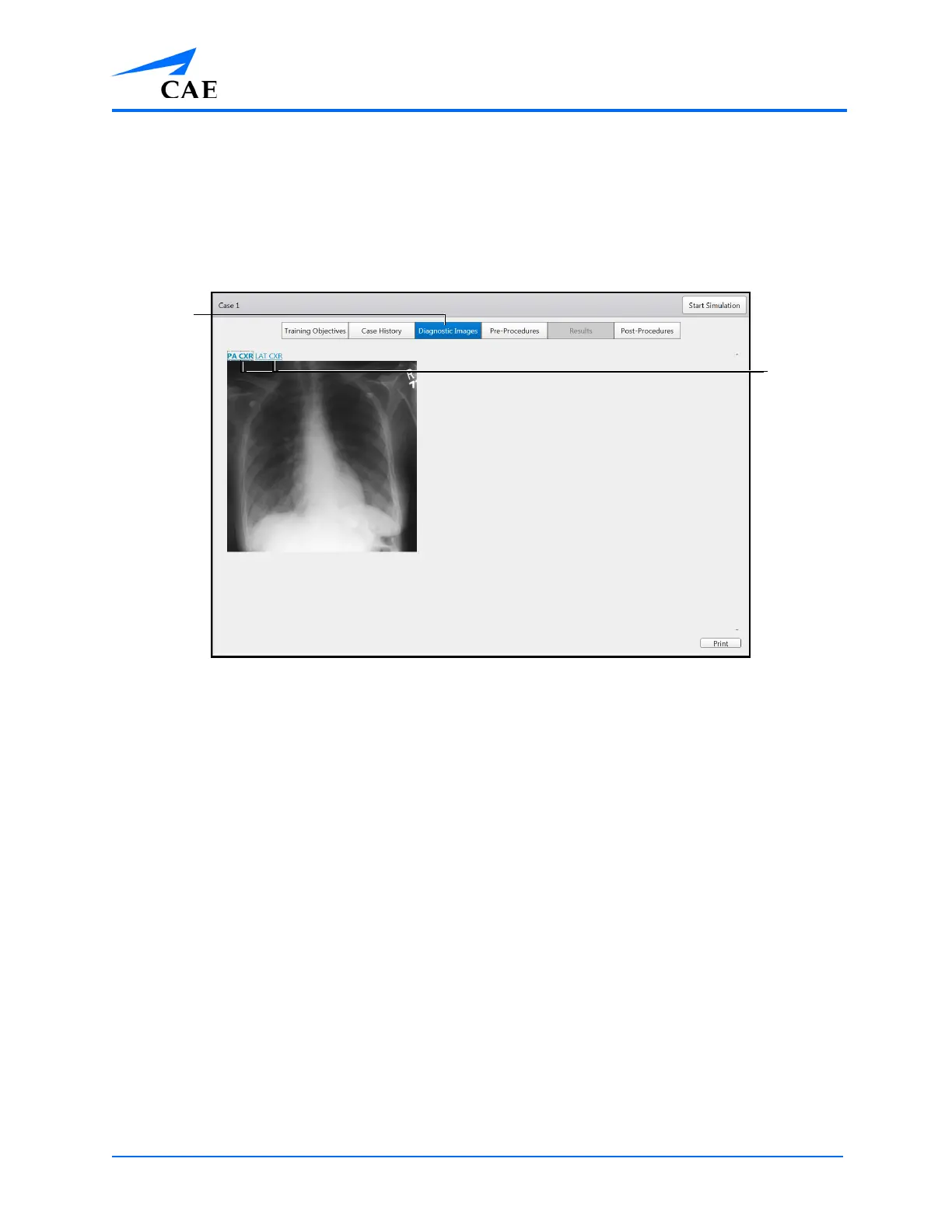
To access the Diagnostic Images screen, click the Diagnostic Images tab.
Note: In some modules, the Diagnostic Images tab replaces the Didactics tab.
When selected, the tab appears blue and the Diagnostic Images screen appears.
The Diagnostic Images Screen
The Diagnostic Images screen contains helpful images for learners to review prior to beginning the
procedure. Click on an image link to view a diagnostic image.
The
Diagnostic
Images tab
The image
links



 To Next Page