Using the Simulator
26
CAEEndoVR
PN: 165K400000
Case History
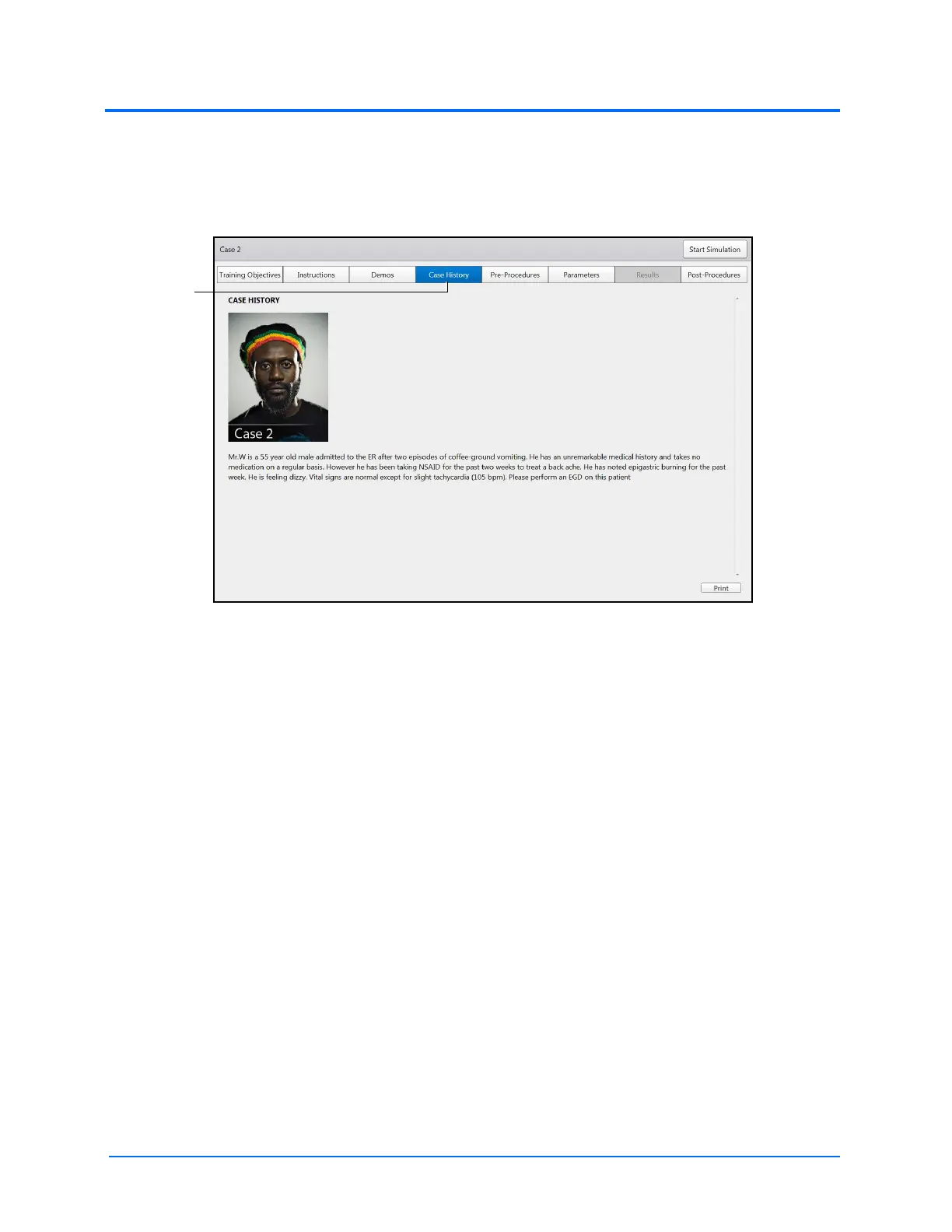
To access the Case History screen, click the Case History tab. When selected, the tab appears blue
and the Case History screen appears.
The Case History Screen
The Case History screen provides users with background information about the patient including
symptoms, medical history and documentation of previous conditions and procedures.



 To Next Page