Starting an ESD Simulation
64
CAEEndoVR
PN: 165K400000
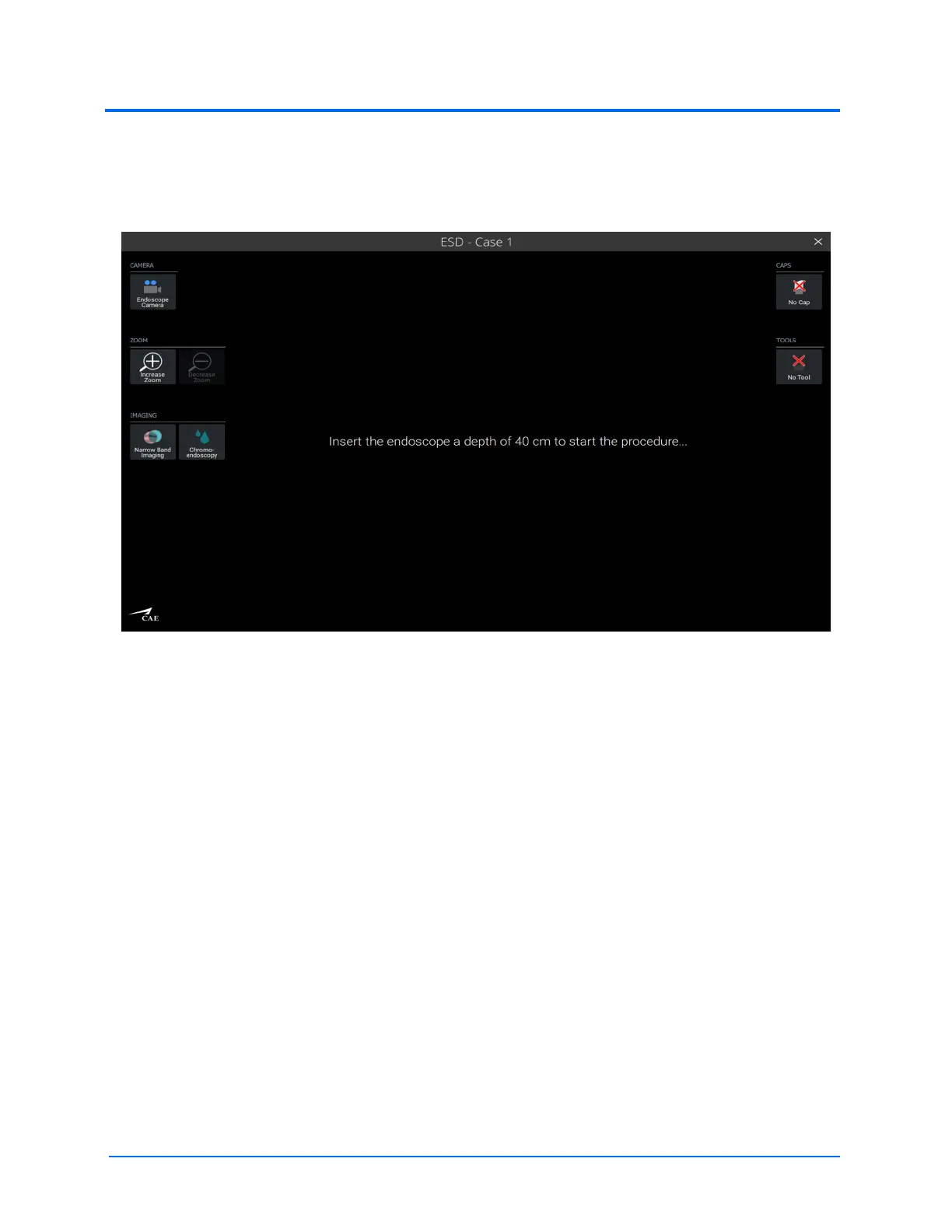
When the desired case is selected and the simulation is started, a message on the left LCD touchscreen
monitor will prompt you to insert the endoscope a depth of 40 centimeters in order to start the
procedure.
The Left Monitor at Start of a Simulation
Note: This message will reappear if the endoscope is removed from the simulator at any point
during the simulation.
While standing at the head of the anatomy plate and facing the monitors directly, insert the upper GI
endoscope (120 cm) 40 cm into the anatomy plate. The scope orientation clip must be pointed to the
left (at the 9 o’clock position) for the simulator to recognize the proper orientation of the scope tip
upon insertion into the simulator manikin.



 To Next Page