Starting an ESD Simulation
65
PN:165K400000
Note: If you are not properly oriented to the simulator manikin when inserting the scope, it will not
catch correctly and
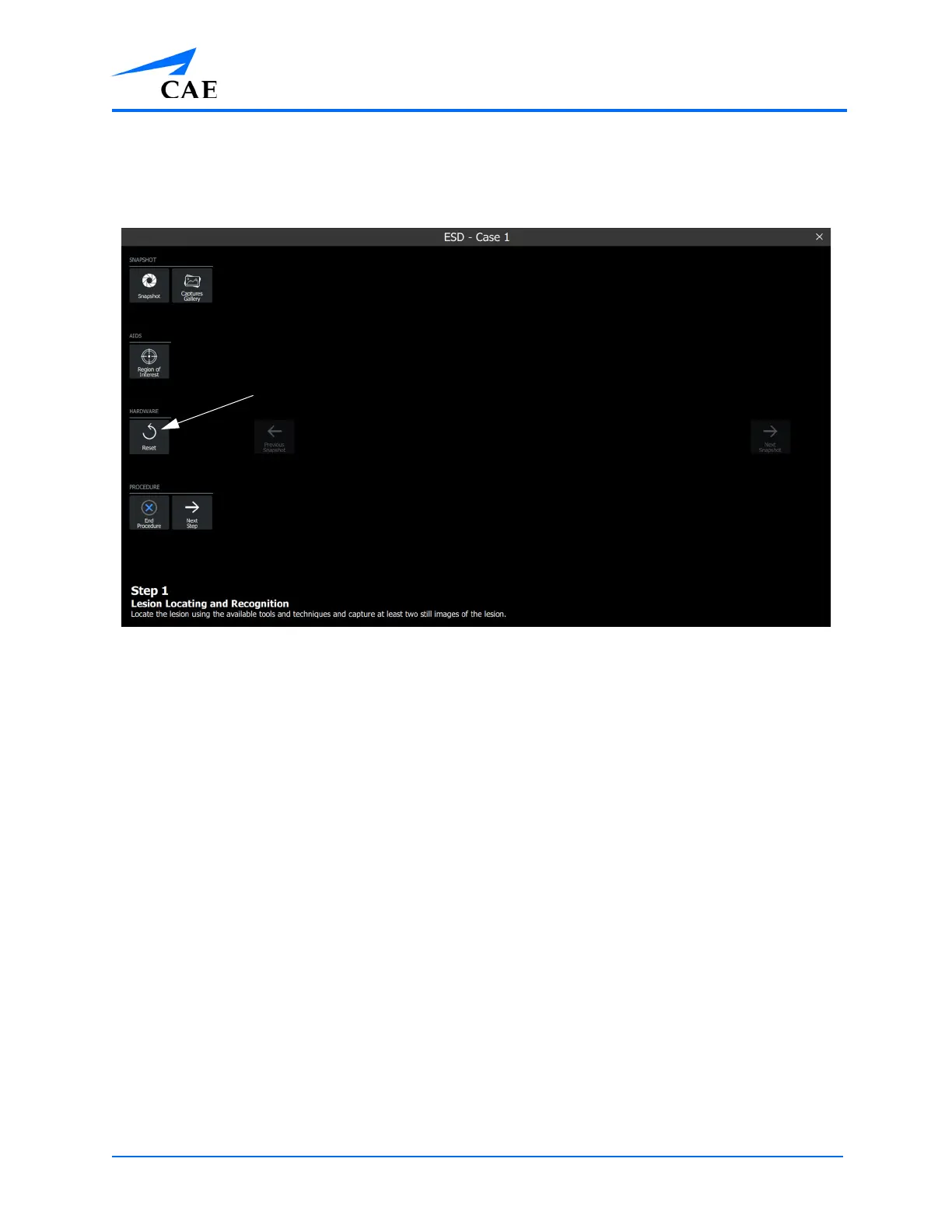
the simulation will not respond appropriately to scope manipulation. If this occurs,
solve the problem by pressing the Reset button (Below)
The Reset Button
You can navigate the simulator with both LCD touchscreen monitors. You can also use the simulator’s
built-in mouse and keyboard, or connect and use an external mouse and keyboard at your own
discretion.
You will view the simulation using the left monitor while the both monitors contain the touchscreen
controls used during the simulation.



 To Next Page