Starting an ESD Simulation
73
PN:165K400000
The ENERGY menu will appear when a tool (except for the endo clips and the injection needle) is
selected from the TOOLS menu. The ENERGY menu contains the following available coagulation
energy options:
The INJECTION menu will appear when the needle or the dual knife (with injection available) is selected.
It displays the quantity of liquid that has been injected to this point of the simulation. If pressed, that
quantity is reset to 0 ml.
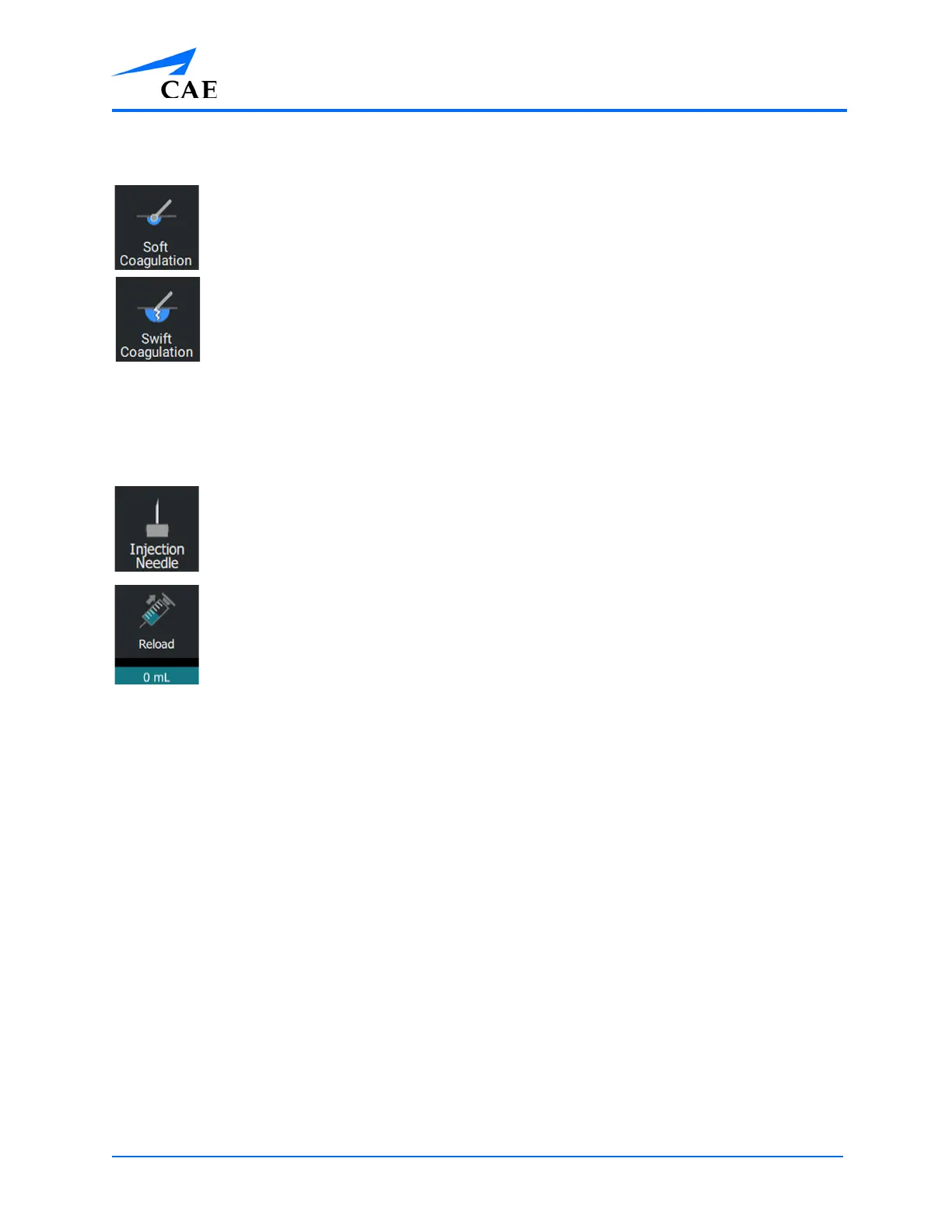
The Soft Coagulation option sets the tool’s coagulation energy to soft coagulation.
Note: the Soft Coagulation option is the default coagulation energy option
The Swift Coagulation option sets the tool’s coagulation energy to swift coagulation.
The Injection Needle indicates that an injection tool has been selected.
Press the Injection icon to reset the amount of liquid that has been injected. The green
counter below the Injection icon indicates the amount of fluid that has been injected
thus far in the simulation exercise.



 To Next Page