The following functions are to assist engineers with
machine development, commissioning and troubleshooting.
SP1.P READ SP1 OUTPUT PERCENTAGE POWER
Poor control may be due to incorrectly sized heaters.
SP1.P (Level 2) constantly displays the output
percentage power applied, which at normal setpoint should
ideally be within 20 - 80% to achieve stable control.
CHEK
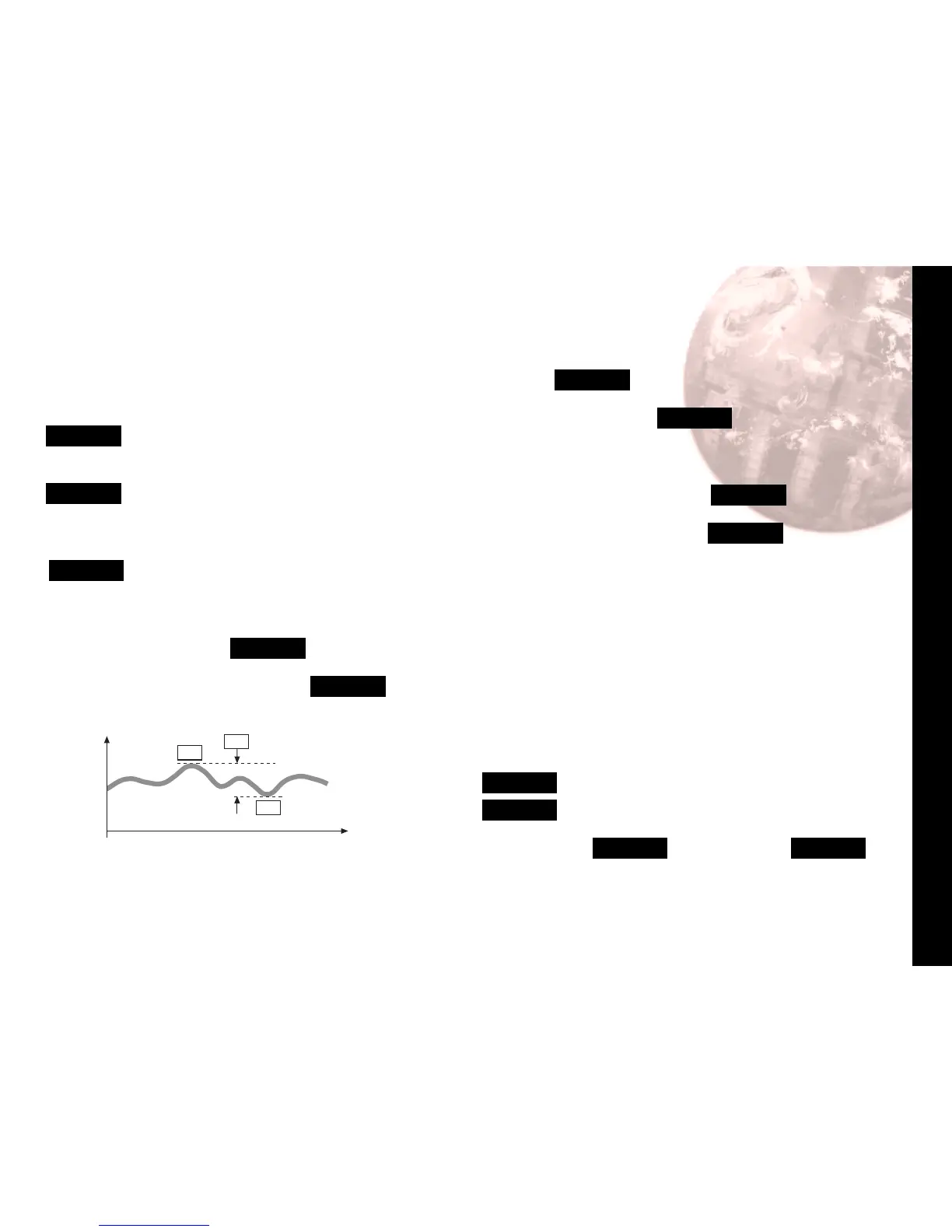
CONTROL ACCURACY MONITOR
This measures the control stability, to within 0.1 °C/°F.
The monitor is started using CHEK (Level 3) and the
variance (deviation), maximum and minimum temperatures
are displayed and constantly updated in READ
Using the CHEK Control accuracy monitor
To start the monitor select CHEK
on
Note: During monitoring either return to normal operation
or remain in program mode.
To view monitor readings: index to READ
The display will alternate between READ and
Var°
Press and hold ✱, the display will alternate between
Var°
and the variance displayed in degrees (e.g. 0.6)
Press and hold ✱ and press ▲ once, the display will
alternate between
VAr°
and the maximum
hi°
displayed
in degrees (e.g. 320.3)
Press and hold ✱ and press ▲ once, the display will
alternate between
VAr°
and the minimum
Lo°
displayed
in degrees (e.g. 319.7)
CHEK
oFF
stops monitor retaining readings
CHEK
on
resets readings.
On de-powering CHEK resets to
oFF
and READ
is zeroed.
15


 To Next Page