User’s Guide — 5
Key Layout / Definitions
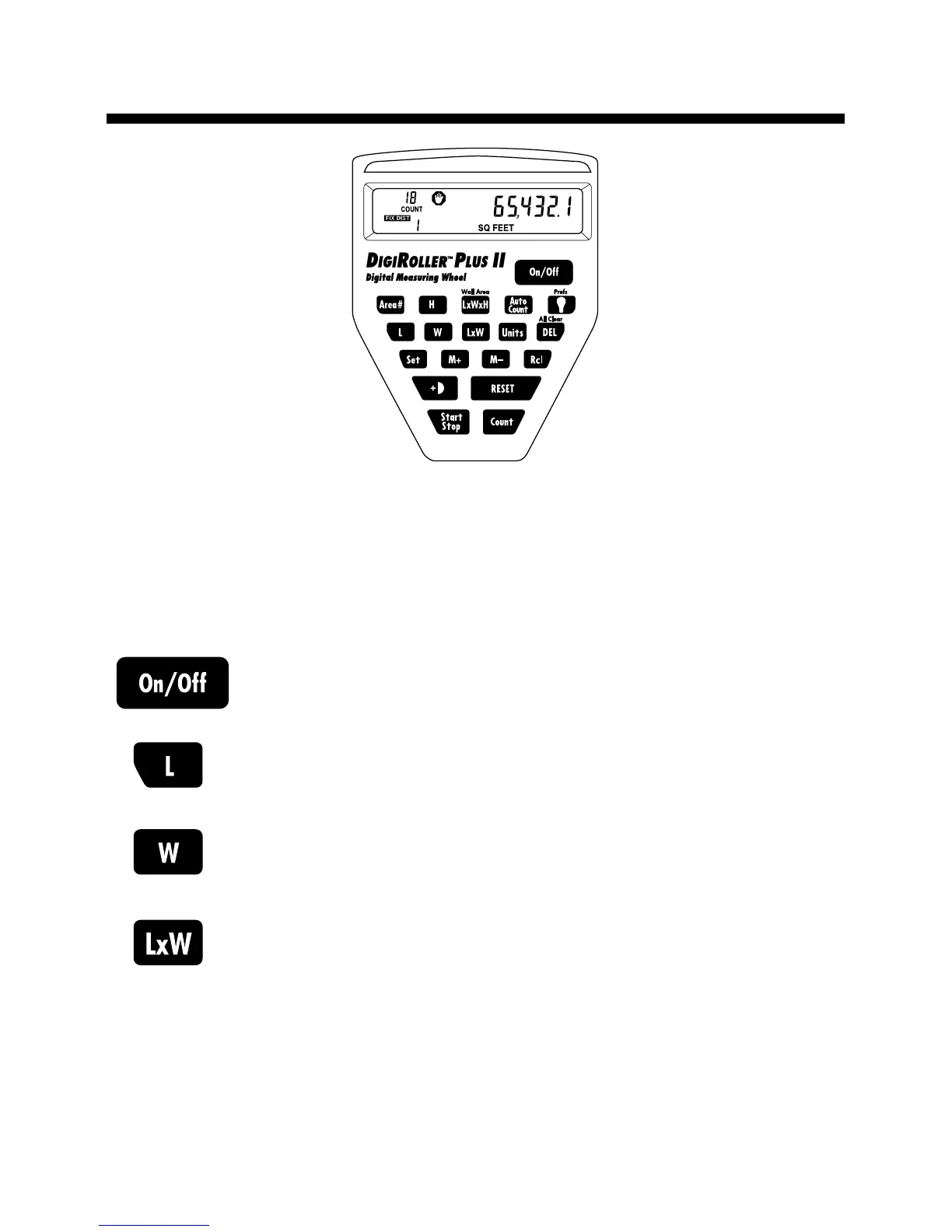
The DigiRoller
™
Plus II is unique to measuring wheels because it has
keys that allow you to store and manipulate the distances measured.
The following is a list of keys that you may use as you operate the
unit: (see page 10 for a list of LCD annunciators)
Power On/Off Key — Turns the unit on or off.
Length Key — Enters and stores rolled length value.
Width Key — Enters and stores rolled width value.
Area Key — Calculates and displays rolled area.
Multiplies the entered length value by the entered
width value.












 To Next Page