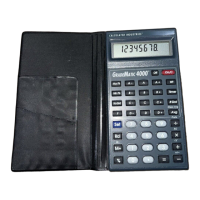
Power On/Clear: Turns power on and
clears display. One press clears an
incorrect entry so you can continue
your calculation or grade entries.
Two presses clear the calculator in
preparation for the next function.
Power Off: Turns power off and
clears all non–permanent memory.
Set: Used with other keys to access
secondary functions.
Math Digits: Enters numbers.
Math Operators: Used to perform
mathematical calculations.
0
9
•
AND
–
Set
Off
On/C
KEY DEFINITIONS
50 – GradeMatic 4000
™


 To Next Page
 Loading...









