48
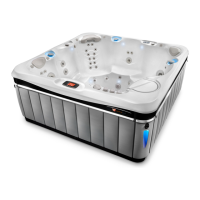
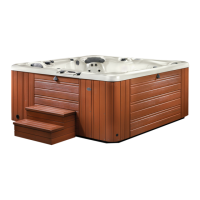
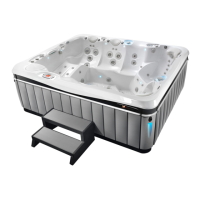
OPERATING INSTRUCTIONS FOR OLYMPIA, CUMBERLAND
®
,
AND AVENTINE
®
SPA-SIDE CONTROL OPERATION
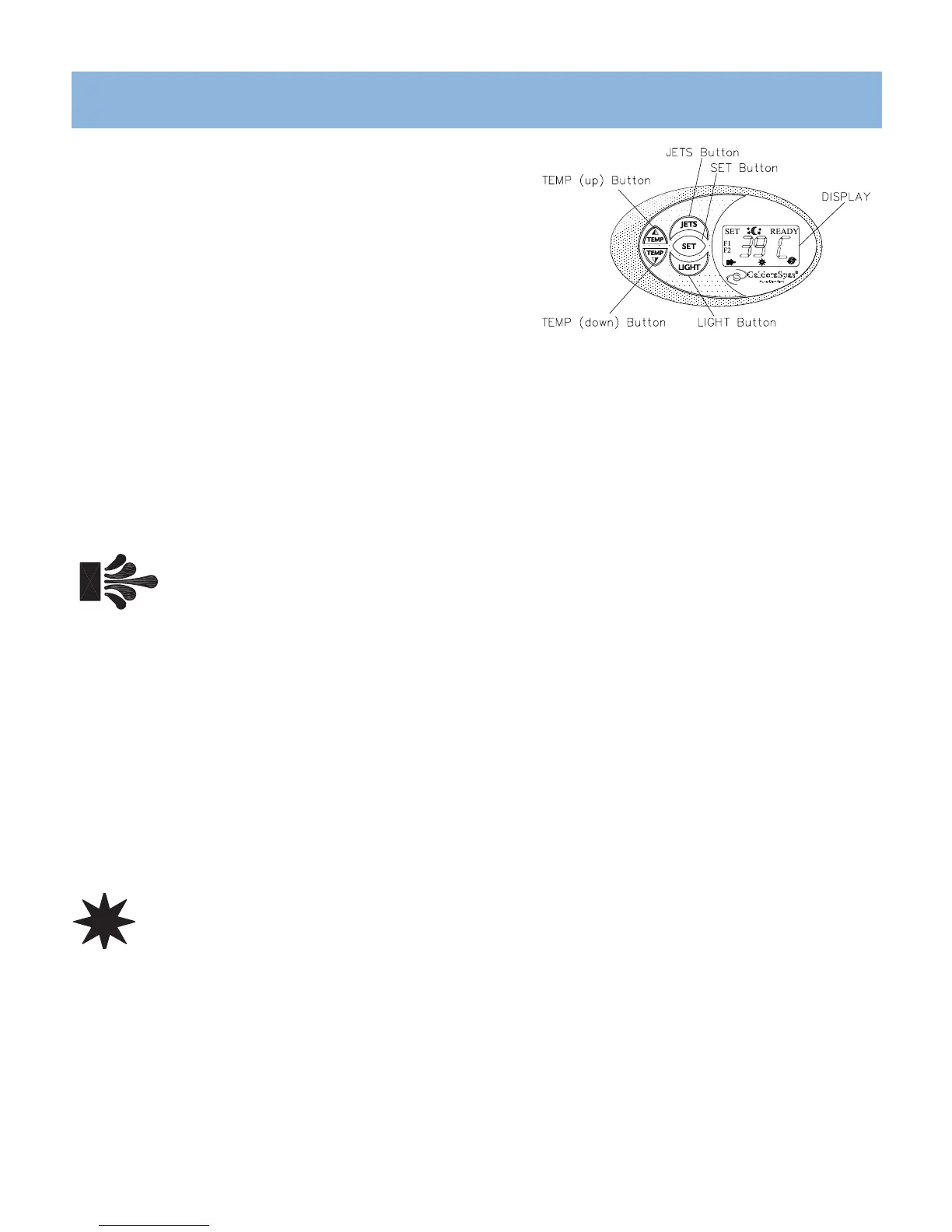
Your spa-side control panel consists of an LED display and convenient touch pads that
allow you to set the water temperature and adjust the skim/filter cycle settings, as well
as control the hydrotherapy jets, and light from
spa-side.
LED DISPLAY
The LED display on your spa-side control panel continually shows the spa’s actual water
temperature. In certain situations, it will also display other messages.
See TROUBLESHOOTING section.
TEMPERATURE CONTROL
The set temperature range is from 27°C (80°F) to 40°C (104°F). Temperatures of any setting may rise slightly depending on the current use, condition of your spa,
and on outside temperature).
The factory-set temperature is 102°F (39°C). Whenever power is disconnected and then reconnected to the spa, the water temperature will automatically seek this
temperature, unless you set it otherwise using the temperature controls.
Pressing the TEMP ▲ button displays the spa’s set temperature. To increase the set temperature, press the TEMP ▲ button again, once for each degree of increased
temperature desired. If you hold the button down, the set temperature will increase by one degree every half second. When the set temperature has been reached, the
“READY” icon will diplay.
Pressing the TEMP ▼ button displays the spa’s set temperature. To decrease the set temperature, press the TEMP ▼ button again, once for each degree of decreased
temperature desired. If you hold the button down, the set temperature will decrease by one degree every half second. When the set temperature has been reached, the
“READY” icon will diplay.
JET PUMP CONTROL
Pressing the “JETS” button changes the jet pump functions, depending on the number of presses:
Olympia Spa Model only:
1st press: Two-speed jet pump runs on low speed
2nd press: Two-speed jet pump runs on high speed
3rd press: One-and Two speed jet pumps run on high speed
4th press: One-speed jet pump runs on high speed
5th press: Both jet pumps are off.
Cumberland & Aventine Spas only:
1st press: Two-speed jet pump runs on low speed
2nd press: Two-speed jet pump runs on high speed
3rd press: Jet pump off
• The pump on high speed automatically turns off after operating for one hour. The pump on low speed automatically turns off after operating for one hour.
• When the jets are active, the JETS icon on the control panel will illuminate.
LIGHT CONTROL
Your Highland spa is equipped with a blue LED light. Press the LIGHT button to turn it on. Press it a second and third time to dim the light to
medium and low Press it a fourth time to turn it off. The light automically turns off after six hours. When the light is active, the LIGHT icon on the
control panel will illuminate. For enhanced spa enjoyment, an optional six color wheel light feature is available to create your desired ambiance.
MYSTIQUE LED LIGHTING (OPTIONAL)
The Mystique LED lighting system allows you to brighten up your spa experience through different multi-colored lights: blue, aqua, green, amber, red, and magenta. You
can choose one stationary color or you can cycle through all the colors with the automatic color wheel.
To install Mystique LED lighting system, you will need to contact your Caldera Dealer.
To activate, press the “SET” button, then the “LIGHT” button on the control panel. The LIGHT icon will flash once color wheel is active. To select a specific color, push
the “LIGHT” button (within 5 seconds) while the desired color is displayed. If 5 seconds have passed after color wheel activation, you will need to press “SET”, then
“LIGHT” to select a specfic color. The Mystique LED lighting option is a great way to personalize your spa experience.



 To Next Page